AI Tools to Upscale Images
34 toolsAI tools that upscale images to 2x, 4x, or 8x without quality loss. Ranked for sharpness, detail reconstruction, and file size.
Showing 34 tools matched to this page
















About ai tools to upscale images
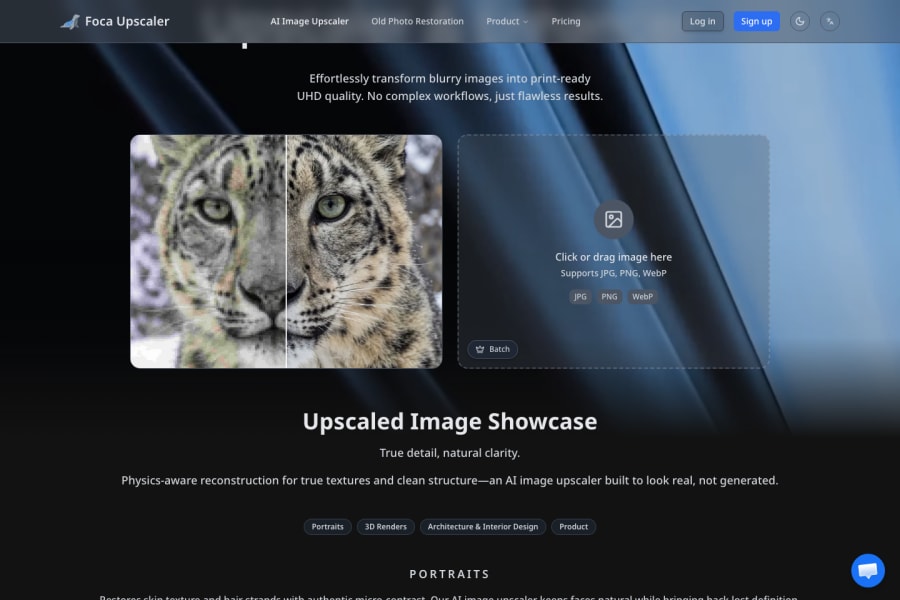
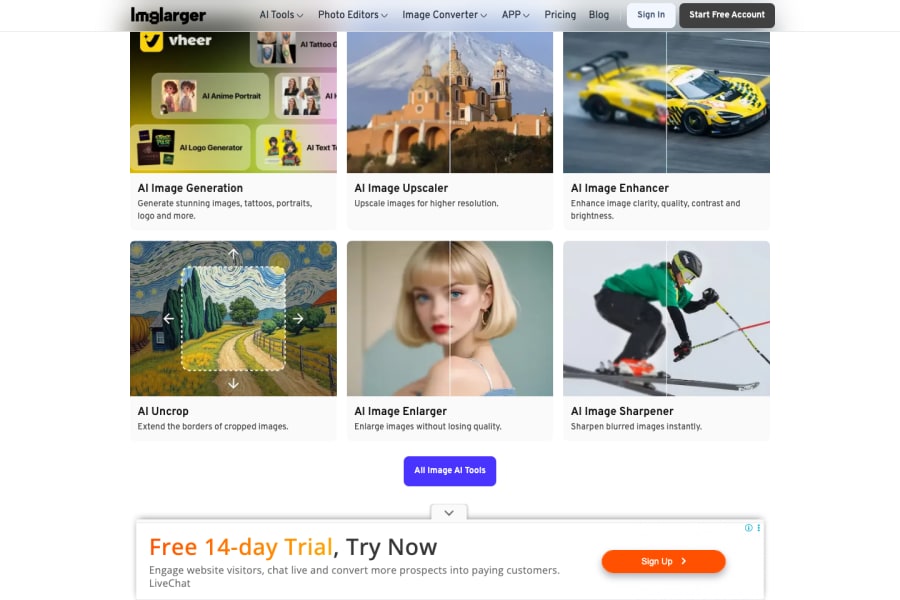
Traditional upscaling blurs pixels. AI upscaling adds them — reconstructing detail from what the model has learned about images. The difference is dramatic: a 2x upscale with AI looks sharper than the original; a 4x upscale is usable when the original would not be. This page covers the AI upscalers that actually work on hard cases: low-resolution stock photos, compressed web images, old scans, screenshots, and social media downloads. Ranked by detail reconstruction, artefact control, and export resolution.
Image resolution has always been a one-way street — once an image is downsized or compressed, that detail was gone. AI upscaling reverses that, which unlocks entire categories of work: using small stock images for large print, restoring old photos, enlarging screenshots for presentations, and reusing low-res assets in modern contexts. The tools are good enough in 2026 that "we don't have a high-res version" is rarely a blocker anymore.
How to pick an AI upscaler
Related AI solutions
Common questions
What is the best AI image upscaler in 2026?
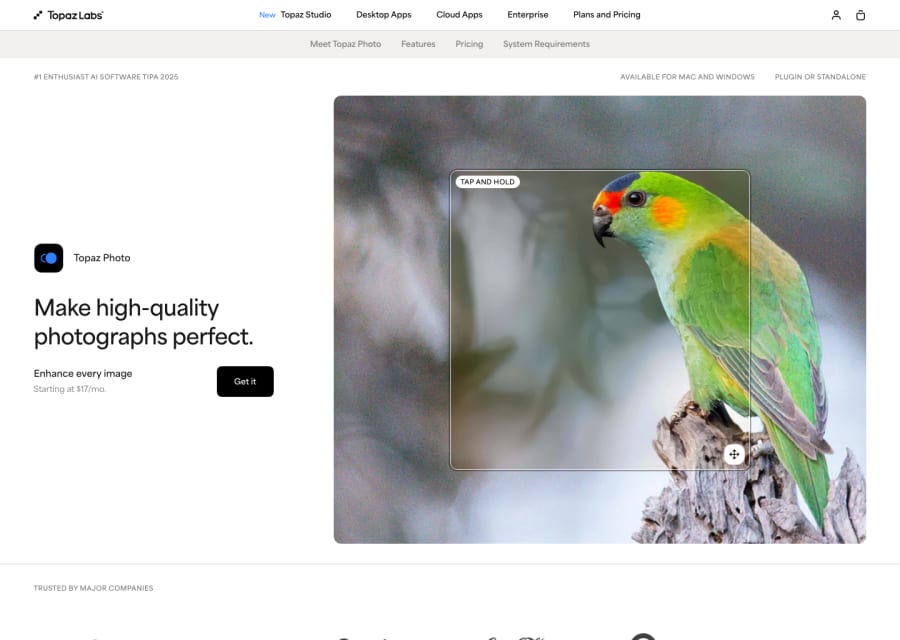
Topaz Gigapixel AI is the professional standard for photos and continues to lead on detail reconstruction quality. Upscayl (open source, free) is the best no-cost option. Let's Enhance and Bigjpg are strong web alternatives. Adobe Photoshop's built-in AI upscaling (Super Resolution) is excellent for users already in Creative Cloud.
Can AI upscale to 8K or 16K?
Most consumer tools cap at 8K output. For higher-resolution needs, Topaz and some professional tools support up to 16K-equivalent outputs. Beyond that, tiled upscaling workflows in Stable Diffusion or pro software are usually required.
Does AI upscaling add detail that was not in the original?
Yes — that is how it works. AI upscalers reconstruct plausible detail based on what they've learned from millions of images. For photos this usually looks natural; for text or faces, occasional artefacts appear because the AI guesses what letters or features "should" be there.
Can AI upscaling fix blurry photos?
It can reduce motion blur, noise, and compression artefacts significantly — but it cannot recover sharp detail that was never captured. Heavily blurred photos improve but do not become tack-sharp. Best results come from images that are small or compressed but fundamentally in focus.
Is AI upscaling safe for professional print?
Yes, and it is standard workflow in 2026 for handling low-res source material. Professional upscalers (Topaz, Photoshop Super Resolution) produce print-ready output at 4x enlargement for most photography. Always print-test before committing to a large run.