AI Tools to Edit Photos
48 toolsAI tools that edit photos: retouching, enhancement, object removal, colour correction, and creative modification. Ranked for professional results.
Showing 48 tools matched to this page























About ai tools to edit photos
AI photo editing has become Photoshop-level for most common tasks — and often faster than Photoshop for them. Retouching, object removal, colour grading, noise reduction, upscaling, sky replacement, and even creative style transfers are all one-click operations in the top tools. This page covers the AI photo editors that deliver professional results: the ones photographers, designers, and creators actually use for production work, not the novelty filters that trend on social for a weekend.
Photo editing used to be a specialist skill with a steep software learning curve. AI has flattened that curve dramatically. Tasks that took 10 minutes in Photoshop now take 10 seconds in a browser. The result is more editing gets done — not less — because the barrier to fixing or improving an image is so much lower that it becomes worth doing.
How to pick an AI photo editor
Related AI solutions
Common questions
What is the best AI photo editor in 2026?
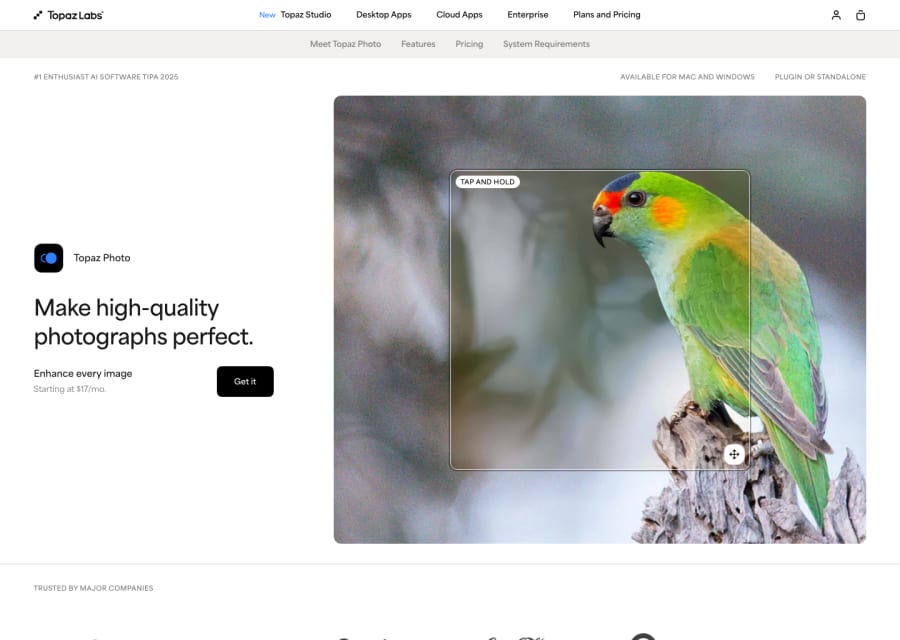
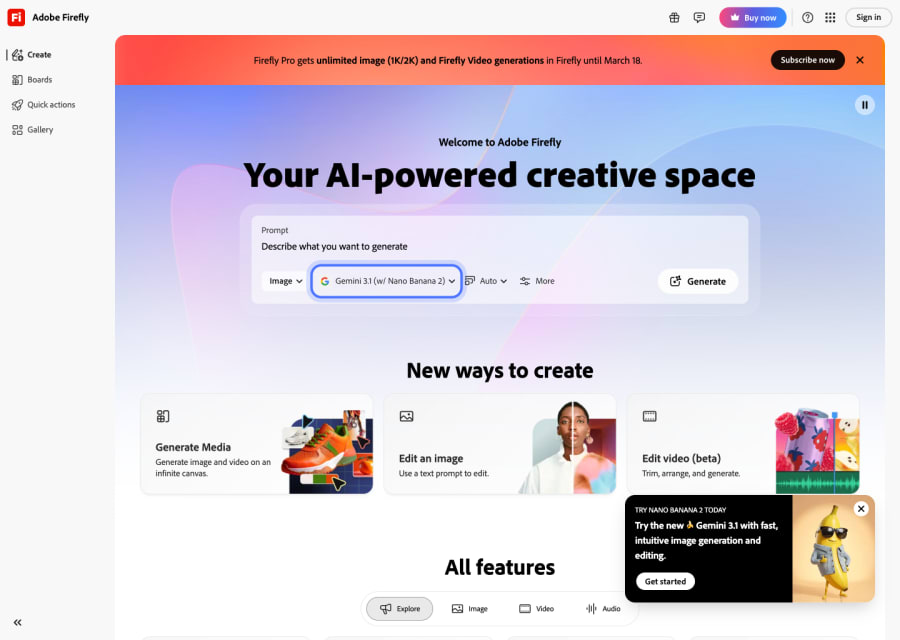
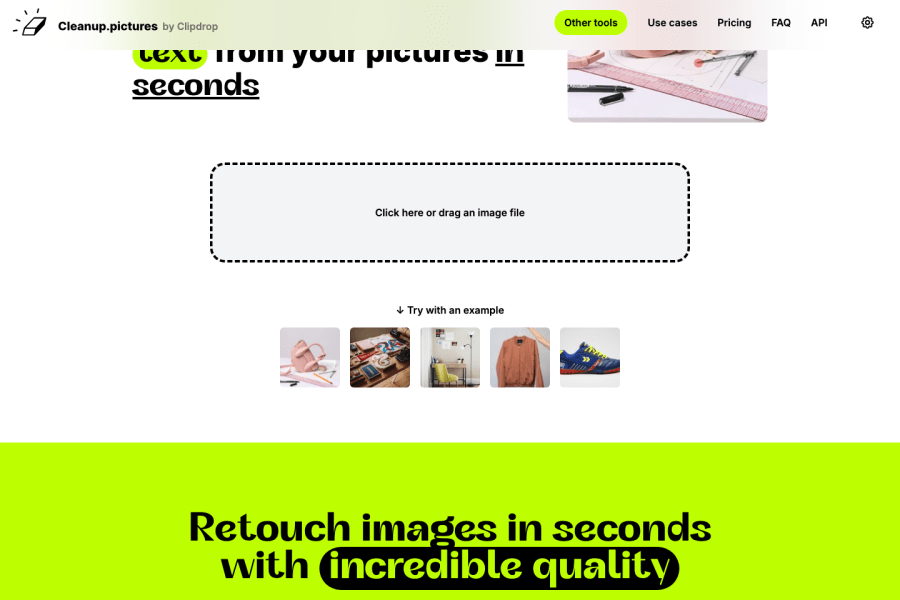
For full-featured editing, Adobe Photoshop with Firefly and Pixelmator Pro remain the professional defaults. For fast AI-specific tasks, Photoroom covers most common edits; Topaz specialises in enhancement; Cleanup.pictures leads for object removal. Most professionals use Photoshop plus one or two specialist tools.
Can AI replace Photoshop?
For specific tasks — yes, and often does. For professional, layered, non-destructive editing workflows — no, the full featured editors still dominate. The common setup is Photoshop plus AI tools for the tasks AI does better and faster.
Are AI photo edits good enough for commercial use?
For most commercial use cases — retail, marketing, social, web — yes, the quality is production-ready. For premium print, editorial photography, and brand campaigns at scale, AI-edited work is typically finished by a retoucher before publishing.
Do AI photo editors keep image quality?
Top tools preserve and often improve quality. Weaker tools compress aggressively or process at low resolution — always check maximum output resolution and file format support before relying on a tool for quality-critical work.
Can AI photo editors fix old or damaged photos?
Yes, and this is one of the strongest use cases. Tools like Topaz, Remini, and Photoshop's Neural Filters restore blurry, low-resolution, and damaged photos dramatically. For historical restoration, the results in 2026 would have been impossible a few years ago.