AI Tools to Make Presentations
48 toolsAI tools that generate presentations from prompts, outlines, or documents. Ranked for design quality, content depth, and ease of editing.
Showing 48 tools matched to this page





























About ai tools to make presentations
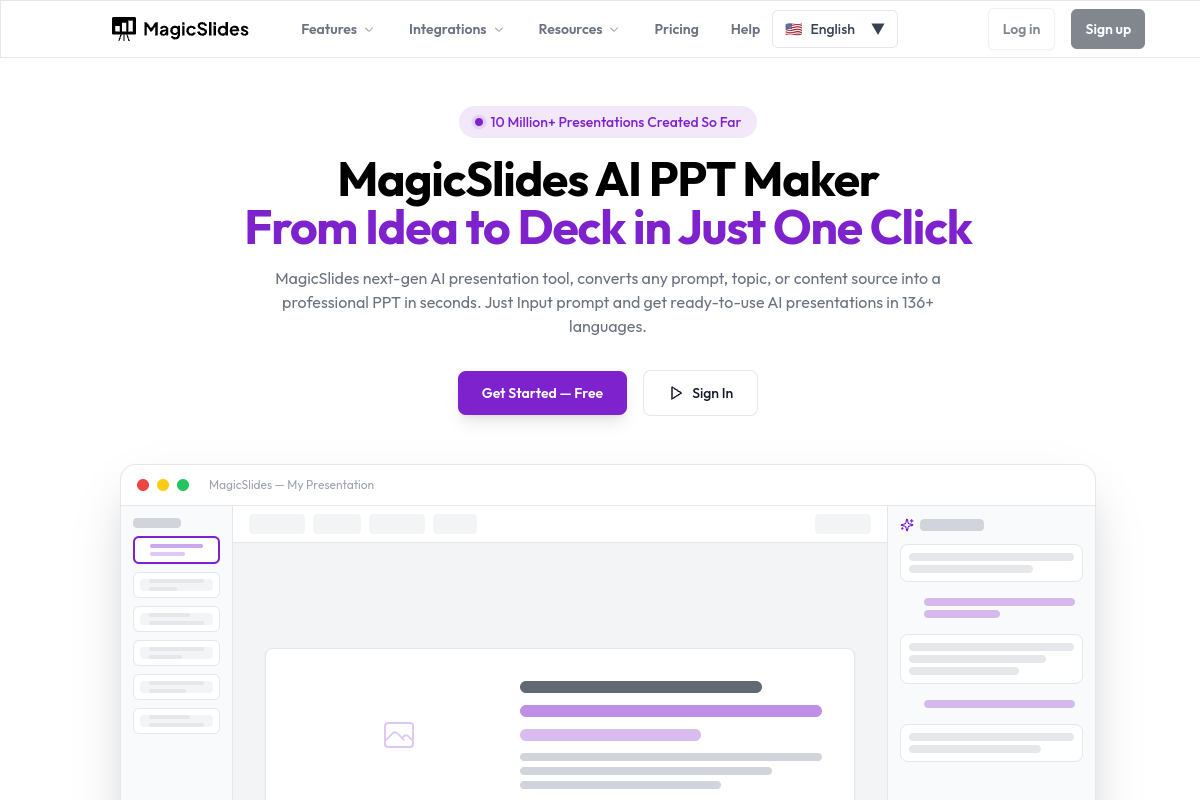
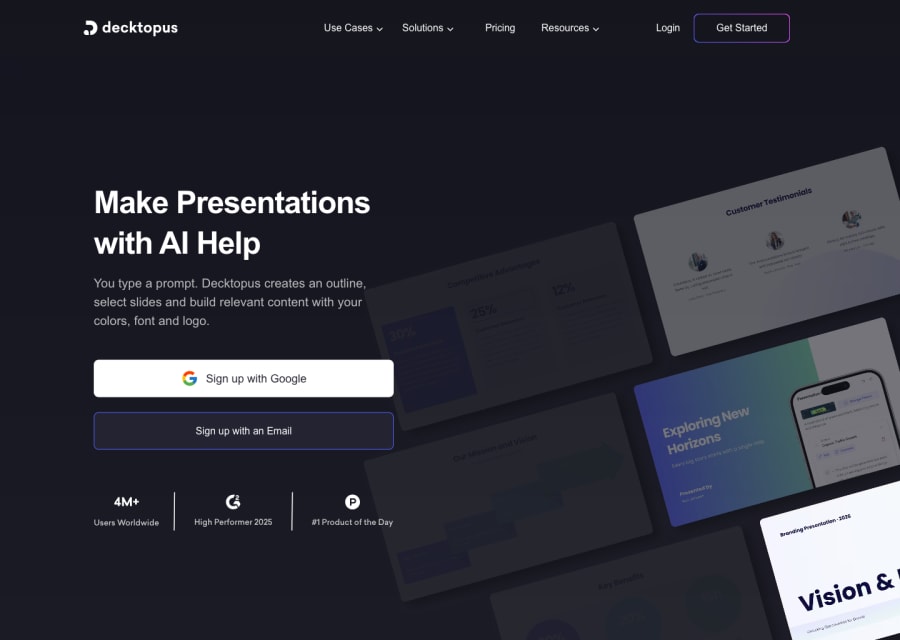
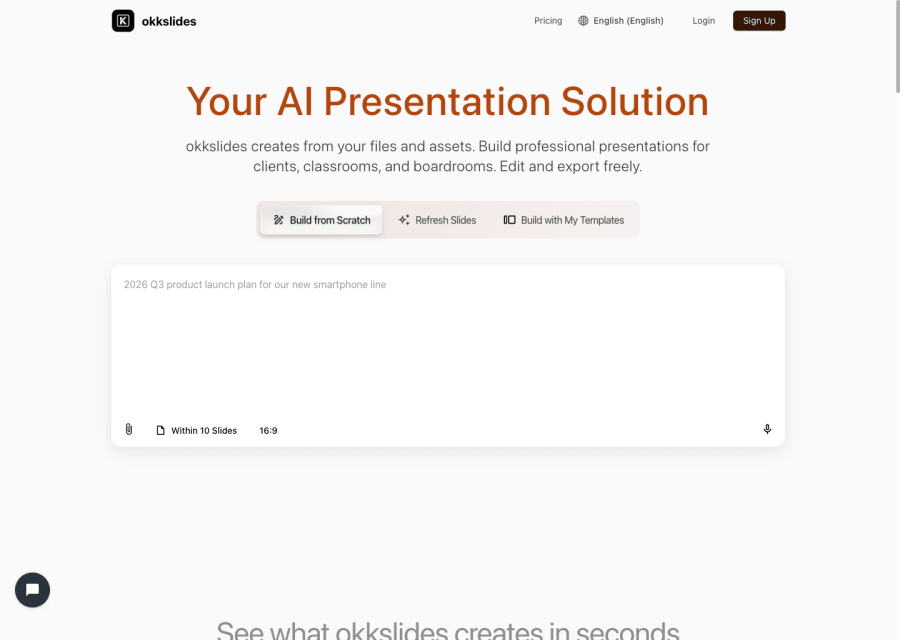
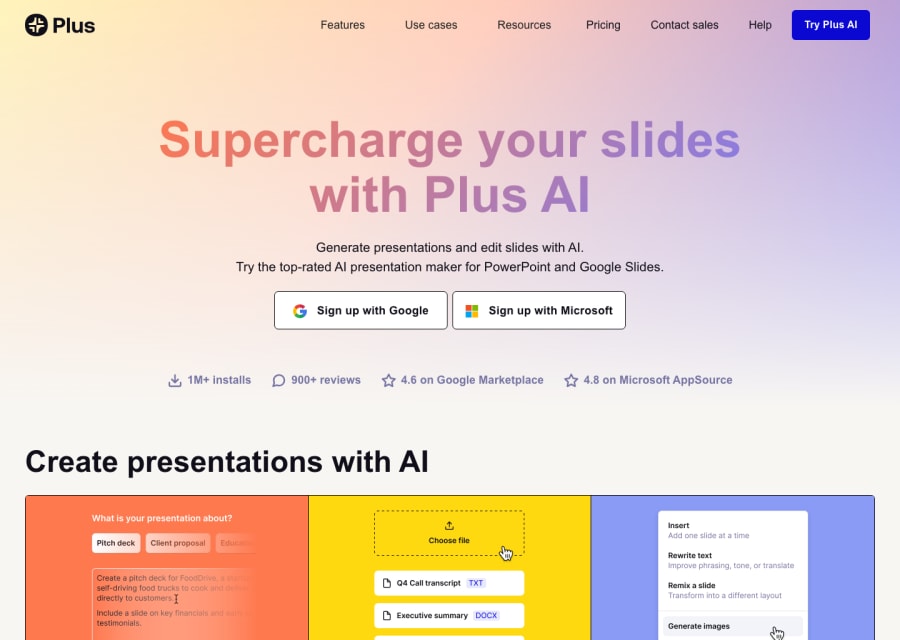
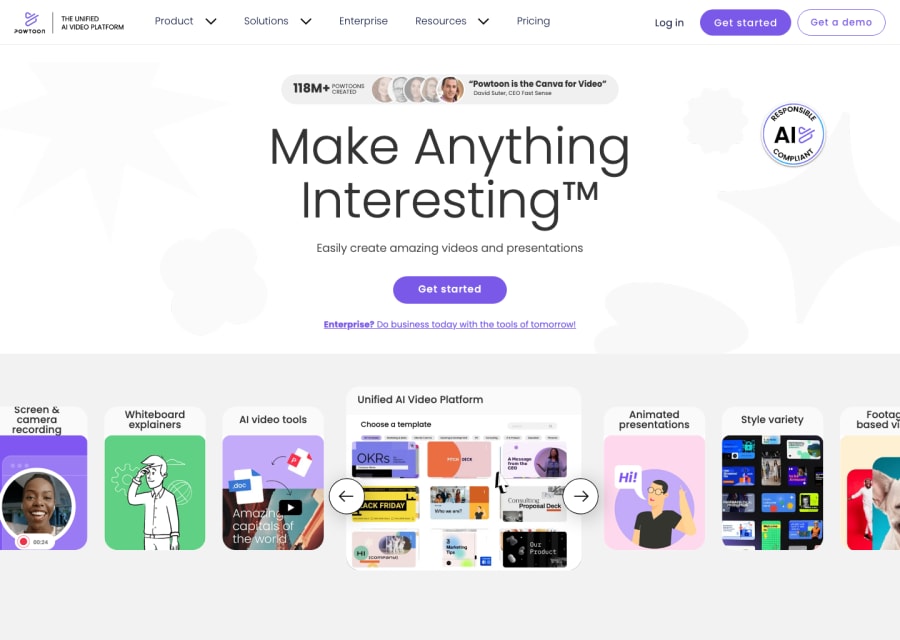
Presentation tools have been one of AI's fastest-moving categories. Modern tools can take a one-line prompt, a document, or an outline and produce a complete deck — with layout, imagery, and speaker notes — in under a minute. Whether you are making a client pitch, a quarterly review, a lecture, or a product launch, there is an AI tool that will get you to a workable first draft faster than PowerPoint ever did. This page covers the serious contenders in 2026: the ones that produce decks good enough to present without rebuilding them.
Presentation prep has always been a time sink — the kind of task where the ratio of hours spent to audience value is usually terrible. AI tools change the math. A draft deck you would have spent four hours making now takes fifteen minutes, and the extra time goes into actually rehearsing the content instead of fighting with slide layouts.
How to pick an AI presentation tool
Related AI solutions
Common questions
What is the best AI presentation tool in 2026?
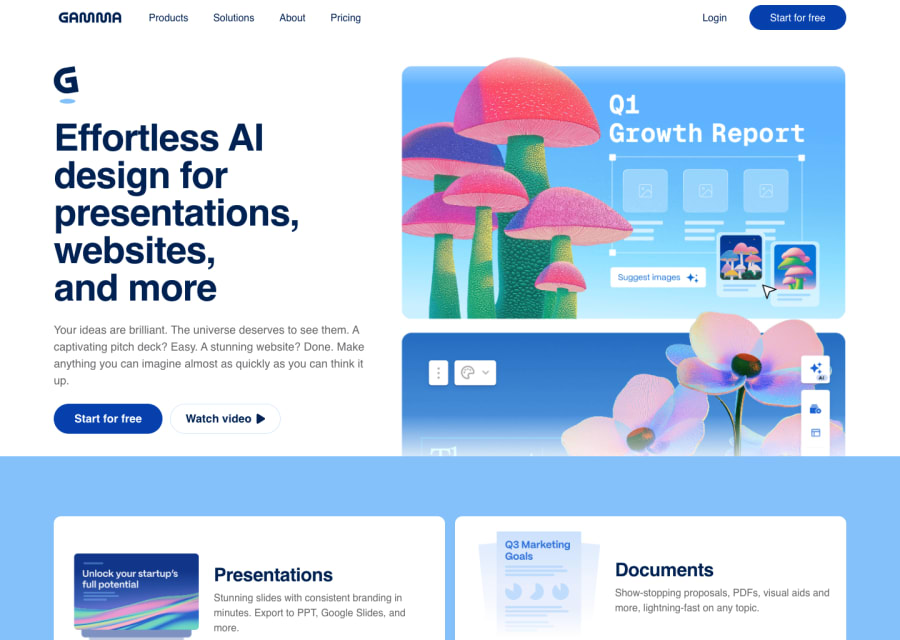
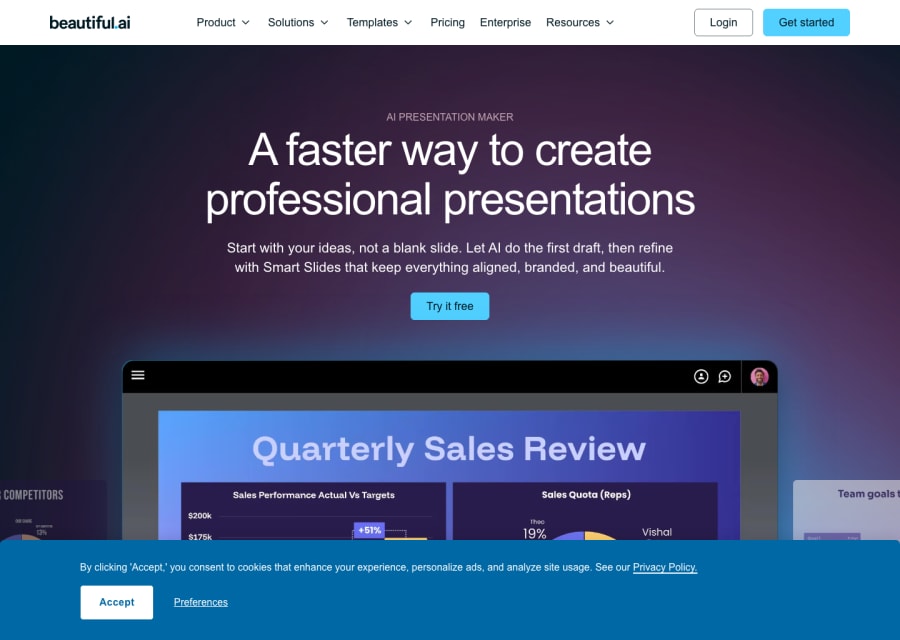
Gamma leads for general-purpose speed and polish, Beautiful.ai for design-forward business decks, Tome for more creative and interactive presentations, and Canva AI for users already in the Canva ecosystem. Most professionals pick based on their existing workflow rather than raw quality.
Can AI make decks from an existing document?
Yes — and this is one of the highest-value features. Paste in a brief, spec, meeting notes, or long doc and most modern AI presentation tools will produce a structured deck automatically. Quality depends heavily on the source material being clean.
Are AI-generated decks good enough for executive audiences?
For internal executive reviews — yes, with editing. For external pitch decks to investors or major clients — most teams still use AI for the first draft and then have a designer or strategist polish it. The bar for external pitches is higher than any AI tool currently hits on its own.
What about PowerPoint's own AI features?
Microsoft Copilot in PowerPoint is genuinely useful if your team already lives in Office 365 — it generates decks from prompts or Word docs and integrates with your existing templates. Dedicated AI presentation tools tend to produce more visually polished results, but Copilot wins on workflow integration for Office users.
Do AI presentation tools handle charts and data?
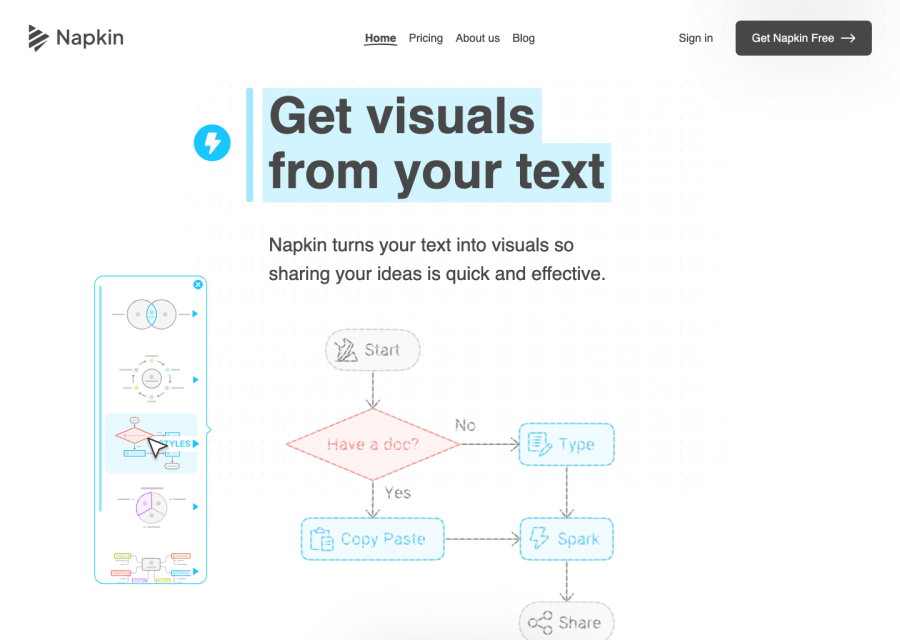
Increasingly well, but still the weakest part of most tools. If your deck is data-heavy, expect to edit charts manually or use Excel/Sheets for the numbers and the AI tool for the layout. Fully automated data visualisation is improving but not at presentation-quality yet.