HomeAI SolutionsAI Tools to Generate Professional Headshots
📸
AI headshot generators

AI Tools to Generate Professional Headshots

12 tools

AI tools that produce professional headshots from selfies. Ranked for realism, variety, speed, and commercial licensing for LinkedIn and company pages.

Showing 12 tools matched to this page

Aragon AI preview
Aragon AI
ProView →

Premium AI headshot service delivering 40+ professional photos from your selfies in under 2 hours

#headshots#linkedin
★★★★4.7 (1,650)
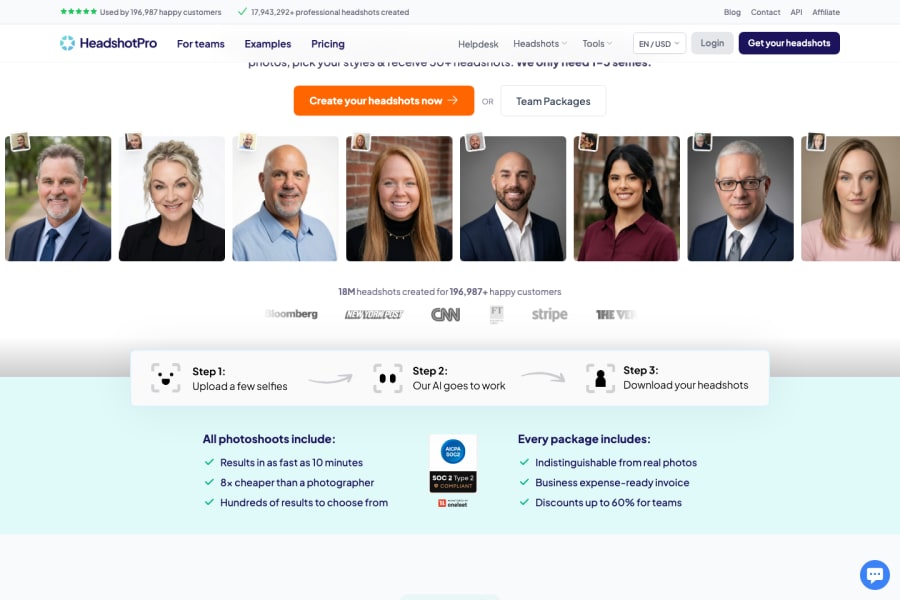
HeadshotPro preview
HeadshotPro
ProView →

Professional AI headshot generator that creates LinkedIn-ready photos from simple selfies

#headshots#linkedin
★★★★4.7 (1,250)
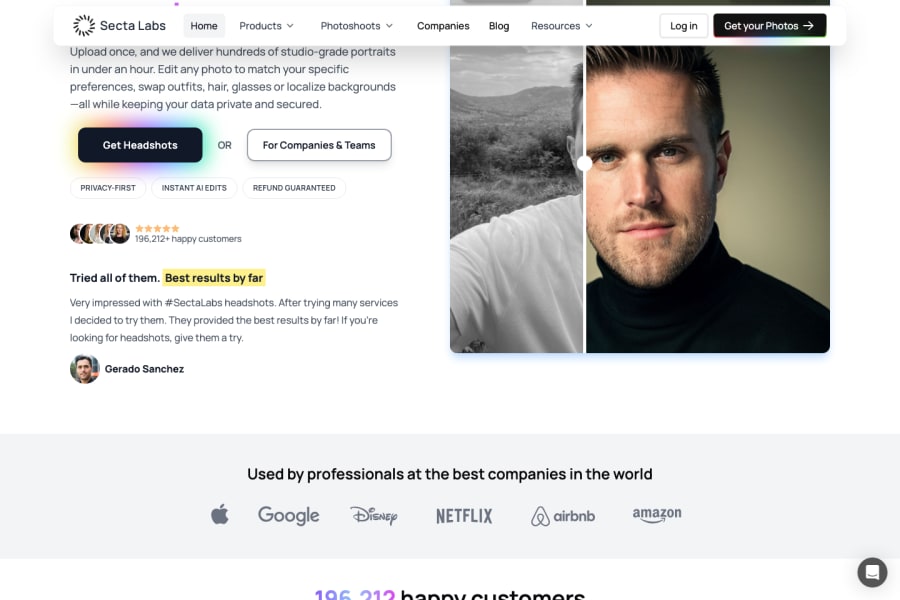
Secta AI preview
Secta AI
ProView →

AI photographer that creates magazine-quality headshots and lifestyle photos from your selfies

#headshots#ai photos
★★★★4.7 (920)
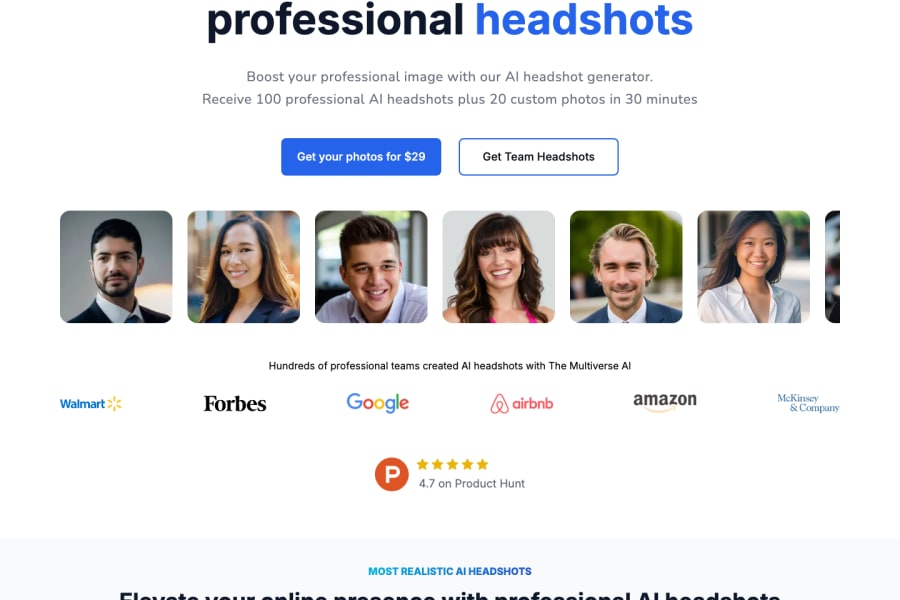
The Multiverse AI preview
The Multiverse AI
ProView →

Premium AI headshot generator with hyper-realistic photos and ethical AI practices

#headshots#linkedin
★★★★4.7 (780)
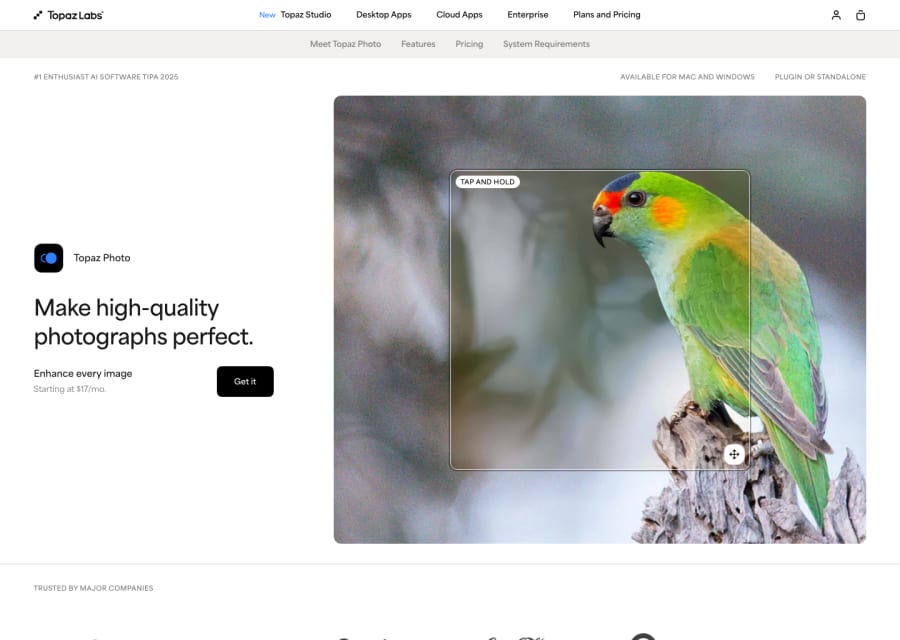
Topaz Photo AI preview
Topaz Photo AI
ProView →

Professional AI photo enhancement — sharpen, denoise, and upscale photos to studio quality automatically

#photo enhancement#noise reduction
★★★★4.6 (11,000)
Preview coming soon
PhotoAI
ProView →

AI personal photographer — generate studio-quality photos from selfies in any style

#headshots#ai art
★★★★4.6 (2,400)
LightX preview
LightX
FreemiumView →

Mobile-first AI photo editor with face swap, background change, and professional editing tools

#photo editing#face swap
★★★★4.5 (3,400)
Photo AI preview
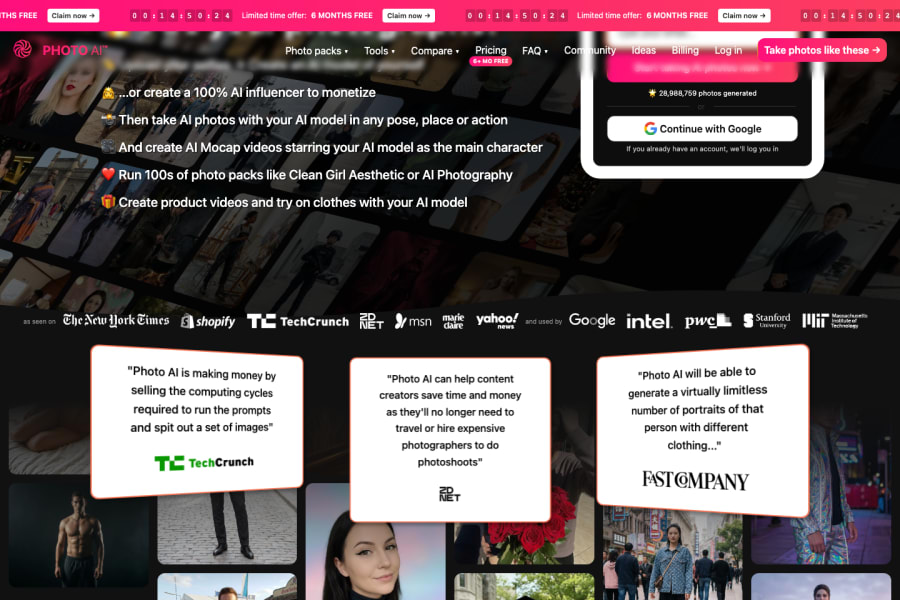
Photo AI
ProView →

AI photo generator that creates photorealistic images of you in any setting, outfit, or style from selfies

#ai photos#headshots
★★★★4.5 (2,800)
ZMO AI preview
ZMO AI
FreemiumView →

AI fashion and product imagery platform with virtual models, background generation, and anime art

#fashion ai#virtual models
★★★★4.5 (920)
Phot AI preview
Phot AI
FreemiumView →

All-in-one AI photo editor with 30+ tools for enhancement, background removal, and generation

#photo editing#background removal
★★★★4.5 (690)
Supawork AI preview
Supawork AI
FreemiumView →

All-in-one AI image toolkit with background removal, headshots, face swap, and photo restoration

#image tools#background removal
★★★★4.4 (420)
Flyne AI preview
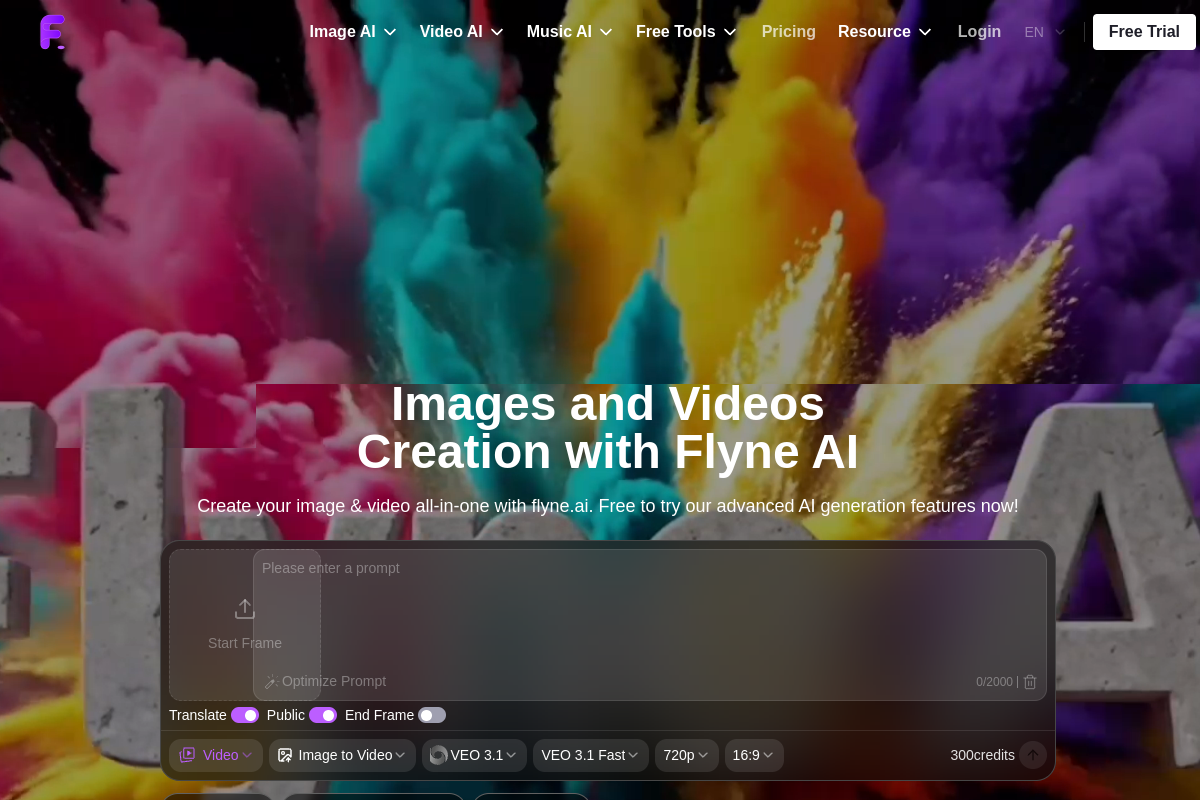
Flyne AI
FreemiumView →

All-in-one AI platform for high-quality image, video, music, avatar, and creative asset generation

#ai video generator#ai avatar generator
★★★★4.4 (130)
Guide

About ai tools to generate professional headshots

Professional headshots used to require booking a photographer, renting a studio, and a couple of hours on the day. AI headshot generators produce comparable results from a handful of selfies, in under an hour, for a fraction of the cost. The top tools in 2026 deliver images that most viewers cannot distinguish from studio photography — suitable for LinkedIn, company websites, speaking profiles, and professional branding. This page covers the tools that consistently produce usable results, not the ones that occasionally nail it and usually miss.

A solid headshot matters more than most people admit — for LinkedIn engagement, speaking invitations, client trust, and internal leadership perception. AI tools make updating that headshot effectively free. The result is that professionals can refresh their photo yearly, test variations, and get studio-quality imagery without the cost or time of a real shoot.

How To Choose

How to pick an AI headshot tool

Test with your specific features. AI headshot quality varies with face shape, skin tone, hair, and glasses. The best-reviewed tool for one person can produce mediocre results for another — try free previews where available.
Look at variety, not just individual quality. A good AI headshot tool produces 50–200 variations so you can pick the best few. Tools that give you only a handful of options usually miss.
Prefer tools that let you control outfit, background, and lighting style. More control means fewer throwaway generations.
Check commercial licensing — you want full rights to use the images on your site, LinkedIn, and any marketing material without attribution or royalty concerns.
Upload-quality matters. Most tools ask for 10–20 varied photos; skipping corners here is the single biggest reason headshots come out looking off.
Related

Related AI solutions

FAQ

Common questions

What is the best AI headshot generator?

TryItOnAI, Aragon, HeadshotPro, and BetterPic are the leaders in 2026, each producing LinkedIn-ready results. Aragon and HeadshotPro tend to offer the widest variety; BetterPic and TryItOnAI produce the most polished individual shots. Most users try two and pick the better one.

Do AI headshots look fake?

A year ago, often yes. In 2026, the top tools produce images that most people cannot reliably distinguish from studio photography. There are still occasional tells (over-smooth skin, slightly off hands, unusual eye reflections), but for standard professional use the results are convincing.

How much do AI headshots cost?

Typical pricing is $25–$60 for 50–200 generated images. Professional photography sessions run $300–$1,000. The AI option is roughly 1/10 the cost for comparable quality in most cases.

How long does it take to generate AI headshots?

Most tools deliver results in 30 minutes to 2 hours. A few premium tools offer "instant" generation in under 10 minutes; others (especially those running high-resolution fine-tuning) take up to 24 hours for best quality.

Are AI headshots acceptable on LinkedIn and professional sites?

Yes, and increasingly common. LinkedIn does not prohibit AI-generated images. For contexts where authenticity matters specifically (journalism bylines, ID photos, legal contexts) real photos are still required, but for general professional branding, AI headshots are widely accepted.