Best AI Tools for Developers
48 toolsAI tools that actually move a developer's week: code completion, IDE assistants, code review, documentation, and infra/DevOps helpers.
Showing 48 tools matched to this page


















About best ai tools for developers
AI has become as much a part of software development as version control. The question is no longer whether to use AI tools — it is which ones, at which layer, and how deeply to integrate them. This page collects the developer tools that earn their seat on the dock: in-editor assistants that read your whole codebase, terminal agents that handle multi-file refactors, review tools that catch bugs earlier, and the category-specific helpers for docs, tests, and infra. The list is ordered by what engineers actually use daily in 2026, not by marketing reach.
Good AI tools compound in two ways: they make individual tasks faster, and they raise the floor on code quality across a team. The second effect is underrated — a junior with a strong AI pair-programmer produces code closer to senior-level than either tool or developer alone. The teams that figured this out are shipping meaningfully faster than the ones still treating AI as autocomplete.
How to pick AI coding tools for your stack
AI tools for other audiences
Common questions
What is the best AI coding tool in 2026?
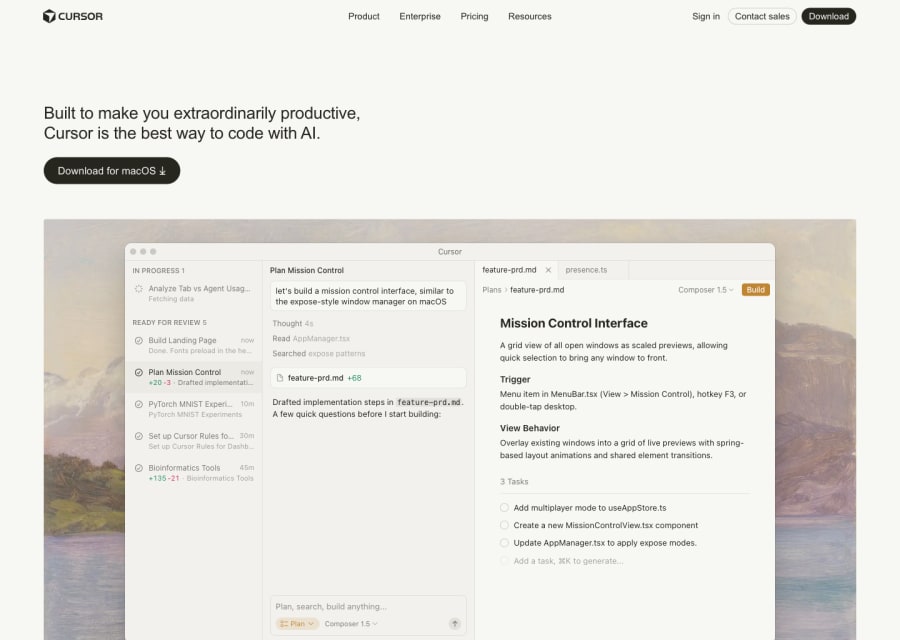
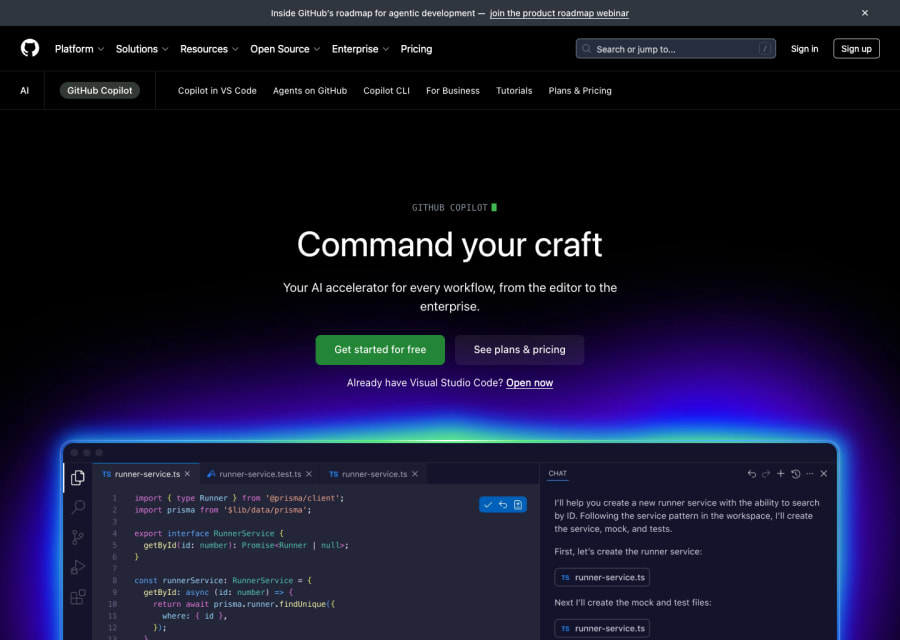
It depends on how deeply you want AI in the loop. GitHub Copilot is the default in-editor assistant for most teams. Cursor and Claude Code are the leading agentic editors for deeper workflows. For terminal-heavy work, Claude Code and Aider lead the space. Most senior engineers use two of these together.
Will AI tools replace software engineers?
Three years into serious AI adoption, demand for engineers has gone up, not down. The tools replace specific tasks (boilerplate, simple CRUD, obvious refactors) and leave the judgment work intact (architecture, system design, trade-off reasoning). The engineers who learn to direct AI well are significantly ahead of the ones who ignored it.
Are AI coding tools safe for enterprise?
Most major tools now offer enterprise plans with data controls, audit logs, and no-training guarantees. Open-source and self-hosted options (Ollama, local Aider setups) exist for teams with strict data requirements. Always verify contract terms against your security requirements before rolling out broadly.
How much productivity should teams expect?
The honest range in 2026 is 15–40% depending on task mix, codebase quality, and how well the team has integrated the tools. Teams that report 2x or 10x productivity gains are usually measuring narrow tasks, not total throughput. The real gain shows up in cycle time on complex work, not raw line count.
What about AI for code review and security?
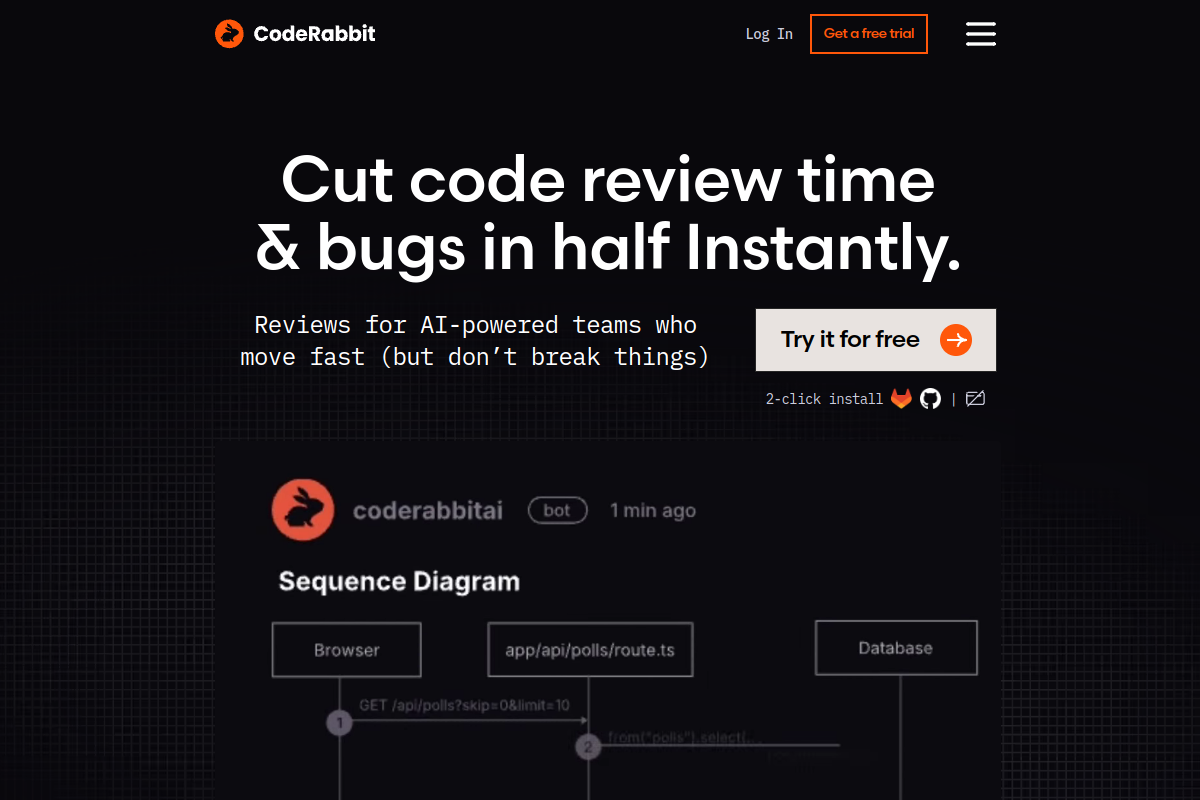
AI review tools like CodeRabbit, Greptile, and native GitHub features catch a real percentage of bugs earlier in the cycle — particularly logic bugs and missing edge cases. For security specifically, tools like Semgrep, Snyk, and Aikido AI supplement (not replace) human security review on sensitive code.