Best Cursor Alternatives
24 toolsThe best Cursor alternatives in 2026: Windsurf, Claude Code, Aider, GitHub Copilot. Ranked for agentic coding and developer workflow.
Showing 24 tools matched to this page

















About best cursor alternatives
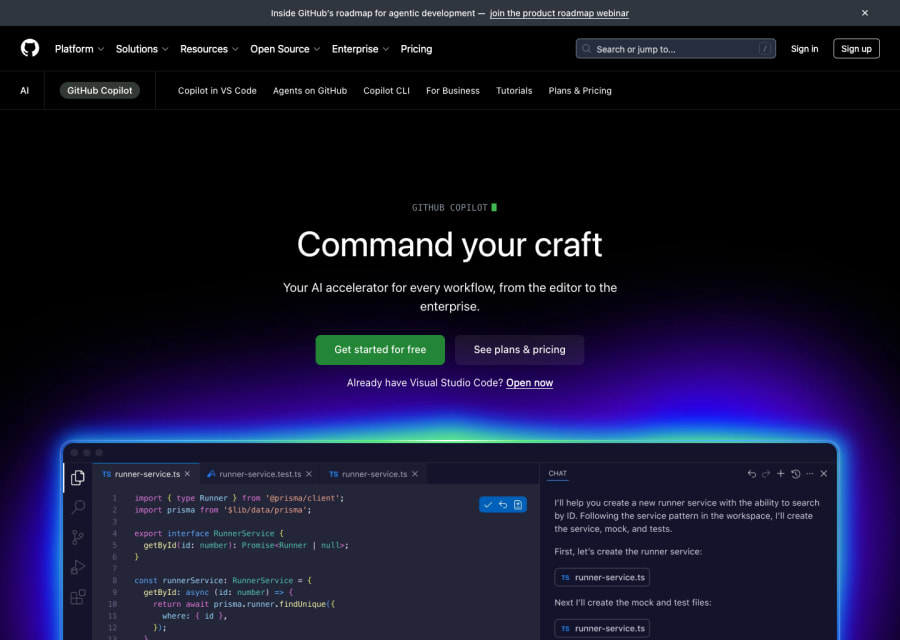
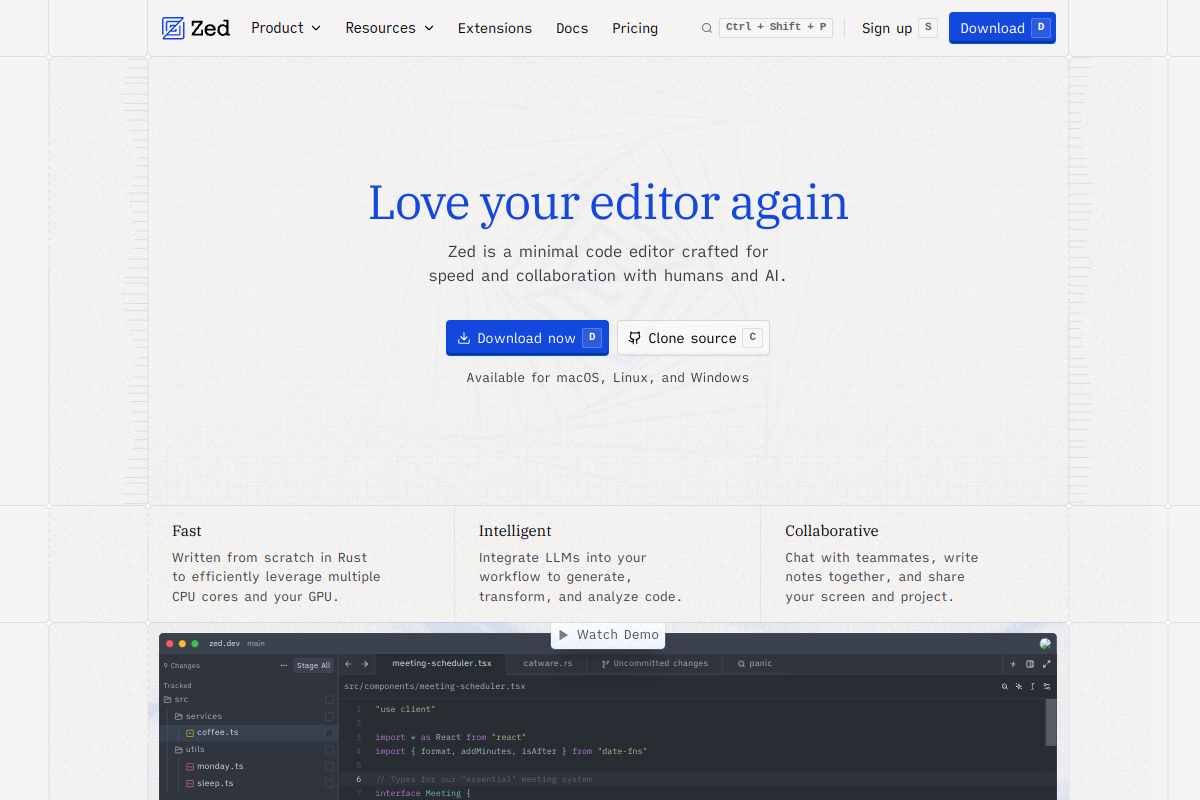
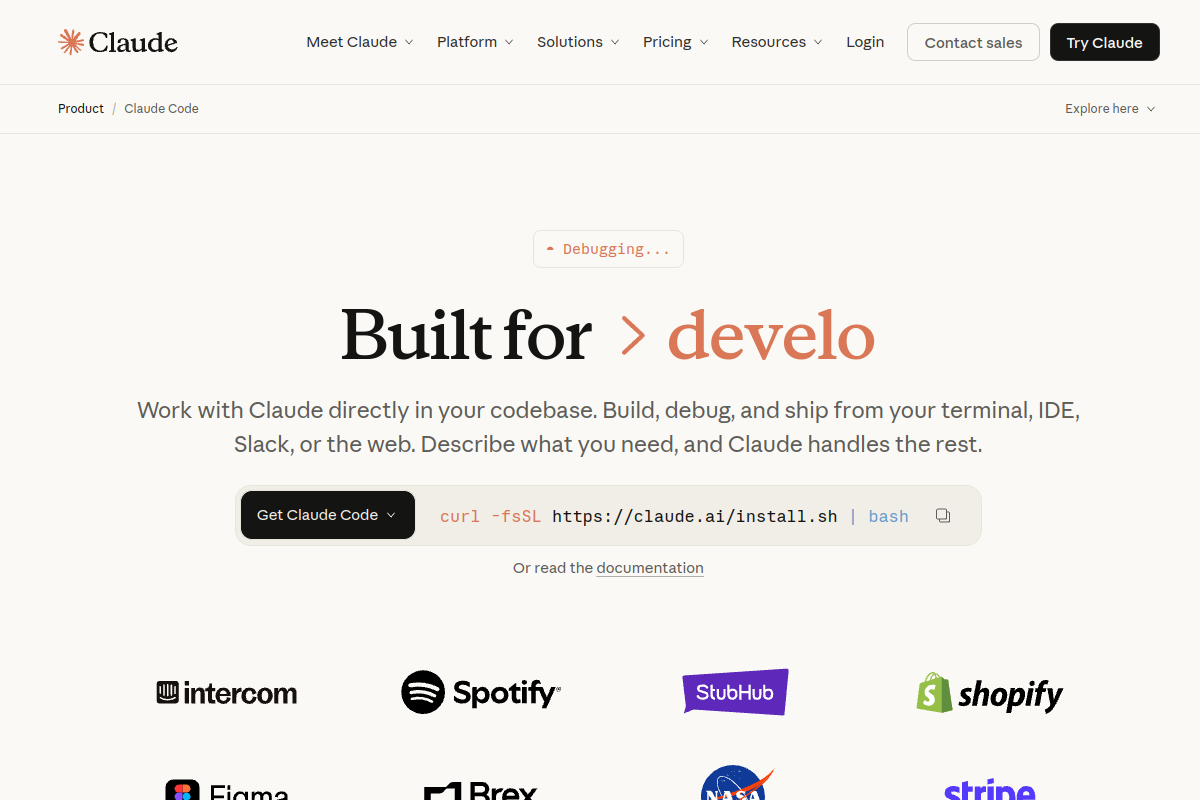
Cursor popularised the agentic AI editor, but it is no longer alone. Windsurf offers similar capability with different workflow trade-offs. Claude Code brings agentic coding into the terminal for developers who prefer CLI. Zed has added AI-native features with a different editor philosophy. For developers who don't want a full editor switch, GitHub Copilot and Supermaven stay closer to the traditional workflow. This page ranks the best Cursor alternatives by workflow fit and capability.
Developers look for Cursor alternatives usually for pricing (Cursor's heavy-use tiers are expensive), privacy (where codebase context flows), or because they want a different interaction pattern — CLI-first, open-source, or lighter-weight editor.
How to pick the right Cursor alternative
More tool alternatives
Common questions
What is the best free Cursor alternative?
Continue (open source) plus a local model gives you most of Cursor's agentic capability free. Codeium free tier is a strong in-editor alternative, though less agentic. Claude Code has usage-based pricing that can be cheaper for light use.
Is Windsurf better than Cursor?
Very close, with different workflow trade-offs. Windsurf's "Cascade" agent can feel more autonomous; Cursor's composer is more iterative. Most developers pick based on the interaction pattern they prefer rather than raw capability.
How does Claude Code compare to Cursor?
Different product shape. Cursor is an editor; Claude Code is a CLI agent. Many developers use both — Cursor for in-editor work, Claude Code for scripts, refactors, and DevOps tasks.
Why do developers leave Cursor?
Usually cost (heavy use gets expensive fast), preference for terminal workflow, or privacy concerns. Some also prefer staying in stock VS Code with a lighter AI plugin rather than a full fork.
Can I use Cursor and Copilot together?
Yes, and it works. Cursor for agentic composer work, Copilot for background inline completions. Some developers find it redundant; others find the layered approach maximises productivity.