3D AI Tools
20 tools3D generation and scene capture
Showing 20 tools


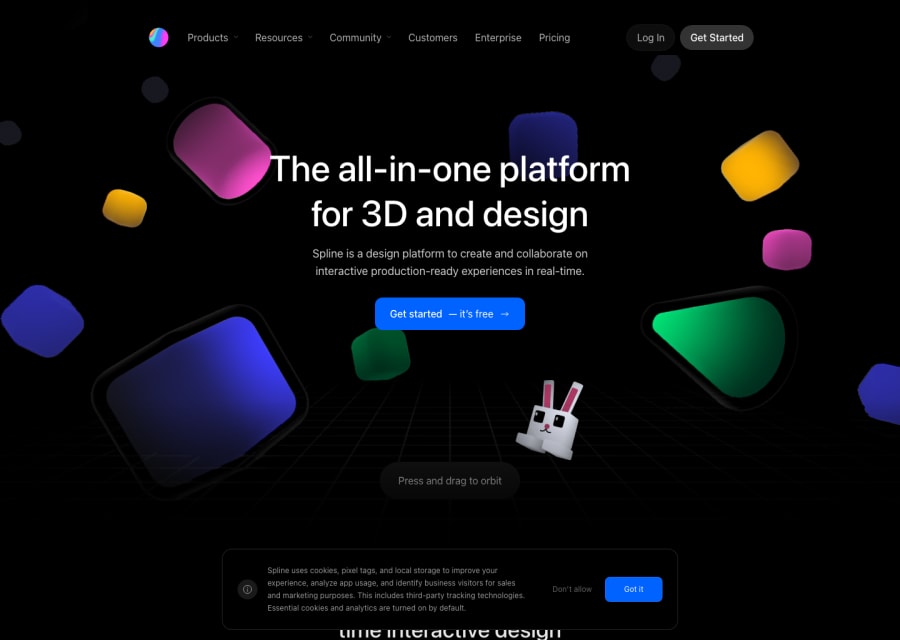
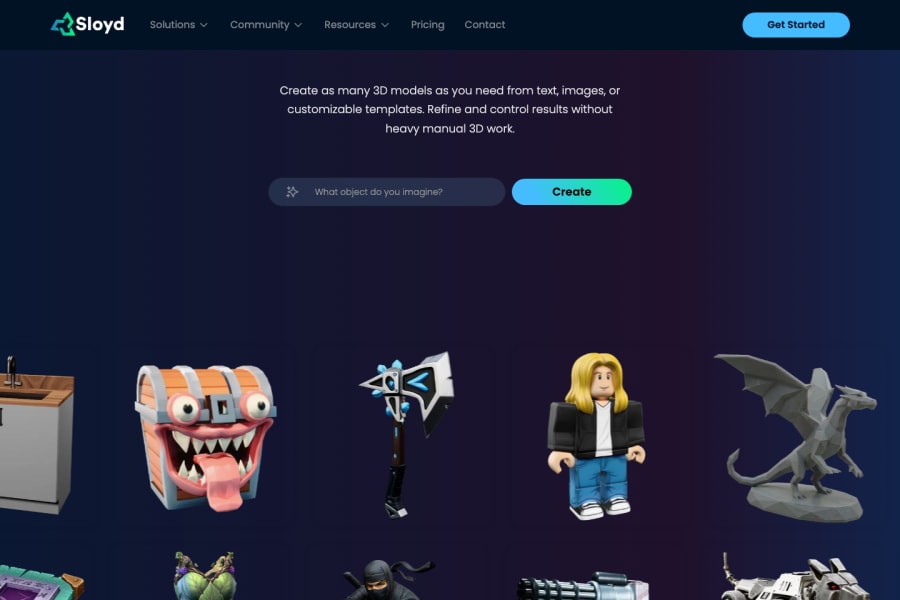

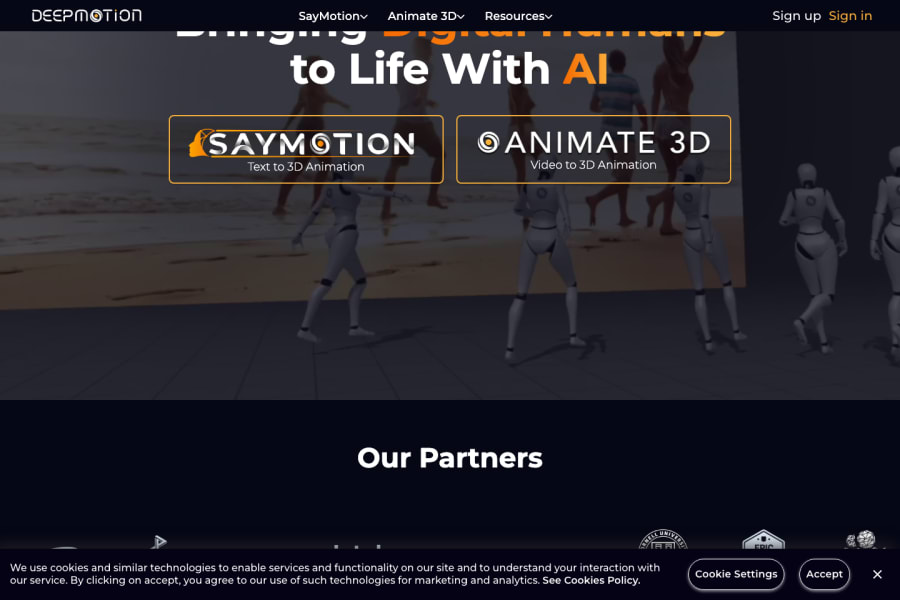

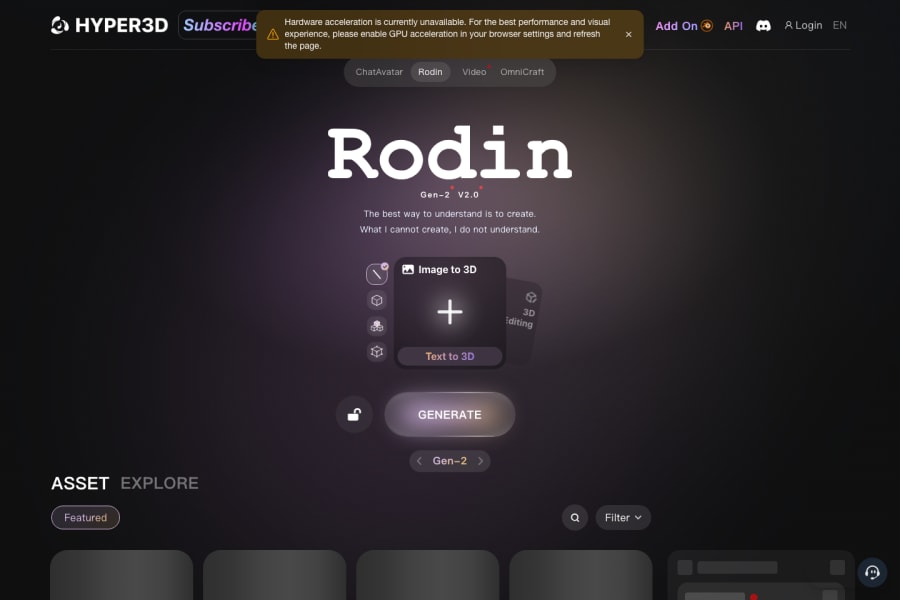


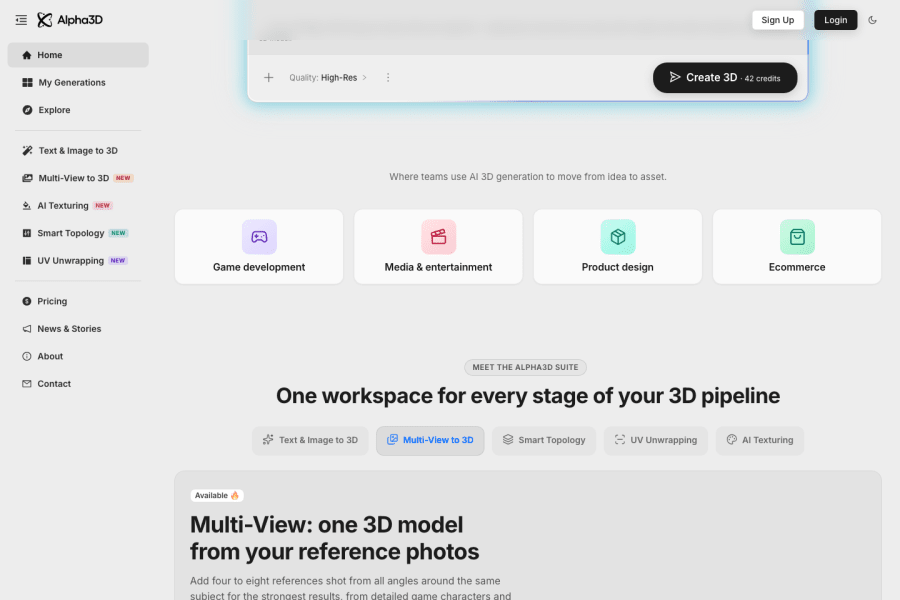
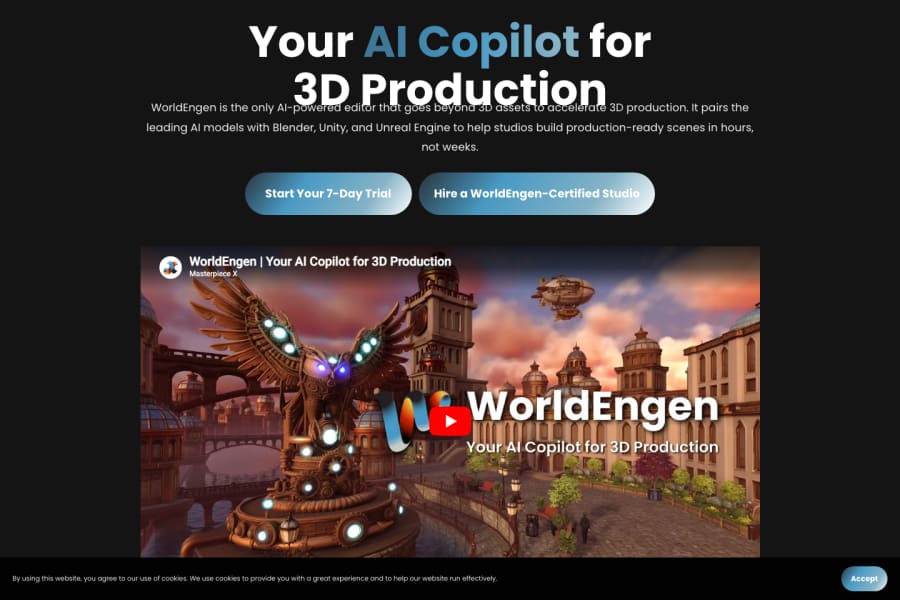
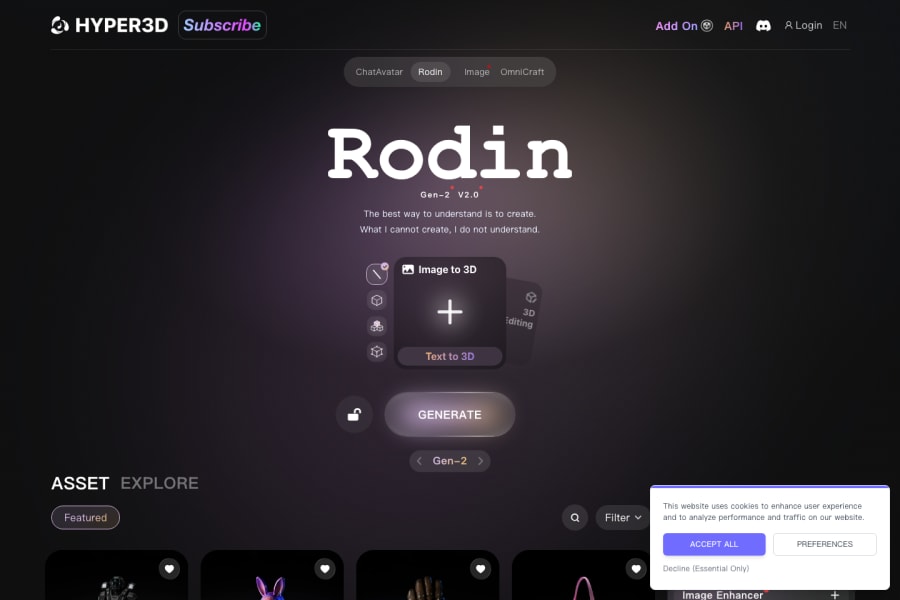

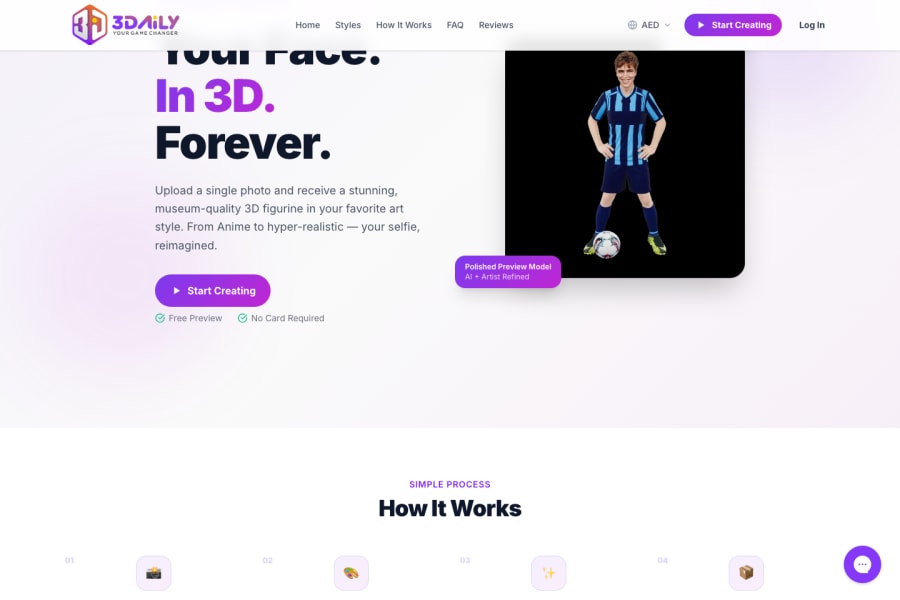
Best starting points for researching 3d AI tools
Check which tools are performing best across the wider directory.
Broaden your search if you want to compare adjacent categories and pricing models.
Read editorial comparisons and workflow explainers before you commit.
Clarify technical terms like fine-tuning, RAG, agents, and multimodal models.
What are 3d AI tools?
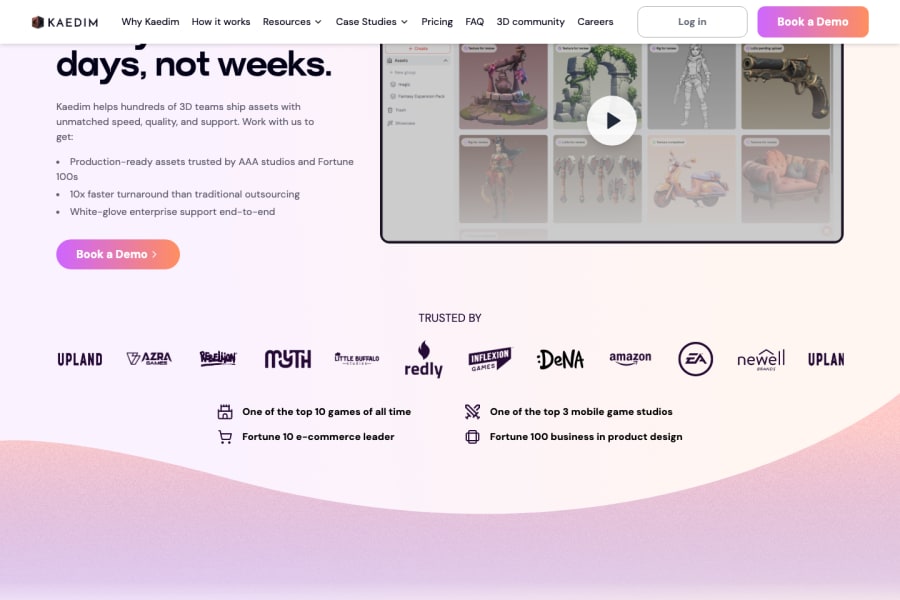
3D AI tools represent one of the most technically exciting frontiers in generative AI — a category that is still maturing fast but already producing genuinely usable outputs for a wide range of creators. Where image AI made visual creation accessible to non-designers, 3D AI is beginning to do the same for spatial and volumetric content. This category covers tools that generate 3D models from text descriptions or 2D images, platforms that reconstruct real-world objects or spaces using photogrammetry and neural radiance fields, texture generation tools that apply realistic materials to existing geometry, and animation aids that bring 3D characters or objects to life without manual keyframing. The users range from game developers looking for rapid asset generation, product designers who want digital twins of physical objects, architects creating spatial visualisations, and XR creators building environments for VR and AR experiences.
Creating high-quality 3D assets has historically required years of specialised skill — modelling, rigging, texturing, and lighting are each disciplines in their own right. AI tools are compressing that expertise gap. A product designer can now generate a 3D representation of a concept without a dedicated 3D artist. A game studio can populate a world with AI-generated assets rather than modelling each object from scratch. An architect can create immersive visualisations from reference photos rather than a full CAD workflow. The category is still earlier in its development than image or text AI, which means the tools are rapidly improving and the workflows are less established — but the direction is clear.
How to choose the right 3D AI tool for your project
Common questions about 3d AI tools
What are 3D AI tools most useful for right now?
The most practical current applications are: rapid concept modelling for early-stage product and game design, generating reference geometry that artists refine rather than model from scratch, photogrammetry-based reconstruction of real objects and spaces, texture and material generation for existing models, and creating assets for AR/VR experiences where production speed matters more than pixel-perfect quality. The category is evolving quickly — use cases that require a workaround today may be straightforward in six months.
How good is AI-generated 3D compared to hand-crafted models?
It depends heavily on the complexity of the object and the intended use. For simple objects, architectural forms, and stylised game assets, AI-generated models can be close to production-ready with light cleanup. For organic forms, complex mechanisms, characters with realistic anatomy, or anything requiring precise engineering dimensions, hand-crafted models still significantly outperform AI generation. The best approach is hybrid: use AI for the initial geometry and pass it to an artist for finishing.
Can I use AI tools to turn a photo into a 3D model?
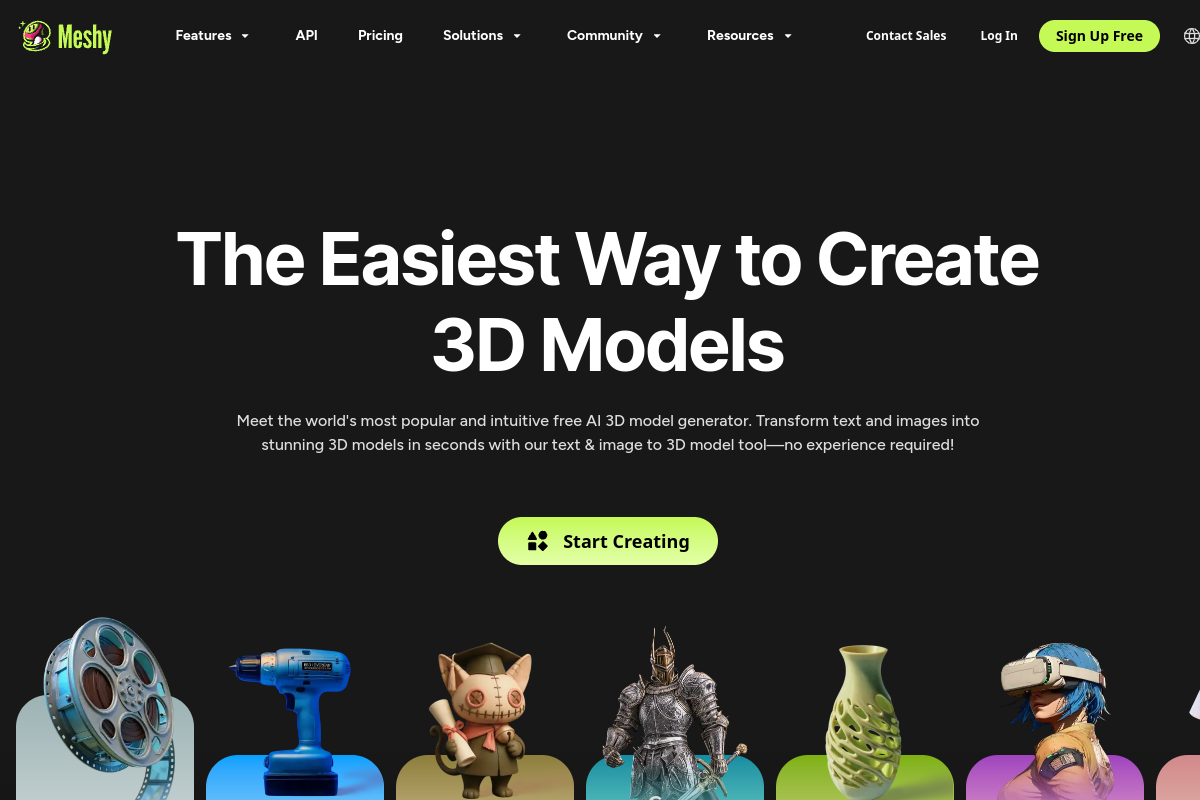
Yes — this is one of the most developed capabilities in this category. Tools like Luma AI, Meshy, and several others can take a set of photos taken from multiple angles and reconstruct a 3D model with reasonable accuracy. The quality depends on how many photos you provide, the consistency of lighting, and the complexity of the object. For product visualisation, furniture, architecture, and objects with clean surfaces, this workflow produces impressive results.
What file formats do AI 3D tools typically output?
The most common outputs are GLTF/GLB (popular for web and AR), OBJ (widely compatible with most 3D software), and FBX (common for game engines and animation tools). Some platforms also output USD, which is used in Apple's ecosystem and high-end VFX pipelines. Check the specific tool for what it supports — if your workflow requires a format the tool does not natively export, factor in the conversion step and any quality loss that involves.
Are 3D AI tools suitable for professional game development pipelines?
For indie development, rapid prototyping, and jam-style production, yes — the time savings are significant and the quality bar is achievable. For AAA production, the outputs generally require more cleanup than the tools currently save in modelling time, so they are more useful as a starting point than a final deliverable. The situation is improving rapidly and many studios are already building hybrid pipelines where AI generates initial assets and artists do targeted refinement rather than full modelling from scratch.