7 Powerful Speech to Text Apps to Boost Productivity
This roundup is built for people who want speech-to-text apps that save time in real workflows, not just on feature checklists. It focuses on the differences that matter most in practice: meeting capture, transcript editing, summaries, highlights, multilingual support, and follow-up automation.
Speech-to-text software has quietly become one of the most useful productivity layers in modern work. Instead of losing ideas in voice notes, forgetting action items after meetings, or spending hours turning interviews into usable text, the best tools now give you a searchable written record almost instantly.
But not every speech-to-text app is solving the same problem. Some are built for meetings and summaries. Others are better for creators editing spoken content. A few stand out because they package transcripts into highlights, tasks, or team knowledge in a way that actually changes how fast you work.
Quick Comparison
| Tool | Best For | Pricing | Standout Strength |
|---|---|---|---|
| Descript | Creators and podcasters | Freemium | Edit audio and video by editing text |
| Otter.ai | General meeting notes | Freemium | Reliable real-time transcription |
| Fireflies.ai | Sales and CRM workflows | Freemium | Strong integrations and analytics |
| Fathom | Free meeting capture | Freemium | Very generous free plan |
| tl;dv | Highlights and recap sharing | Freemium | Timestamped clips from meetings |
| MeetGeek | Team meeting operations | Freemium | Searchable meeting library |
| Notta | Multilingual transcription | Freemium | Broad language and input support |
1. Descript
Descript is still the most transformative pick for spoken-word content workflows. It transcribes your recording automatically, then lets you edit the final audio or video by editing the text itself. Delete a sentence in the transcript and it disappears from the media.
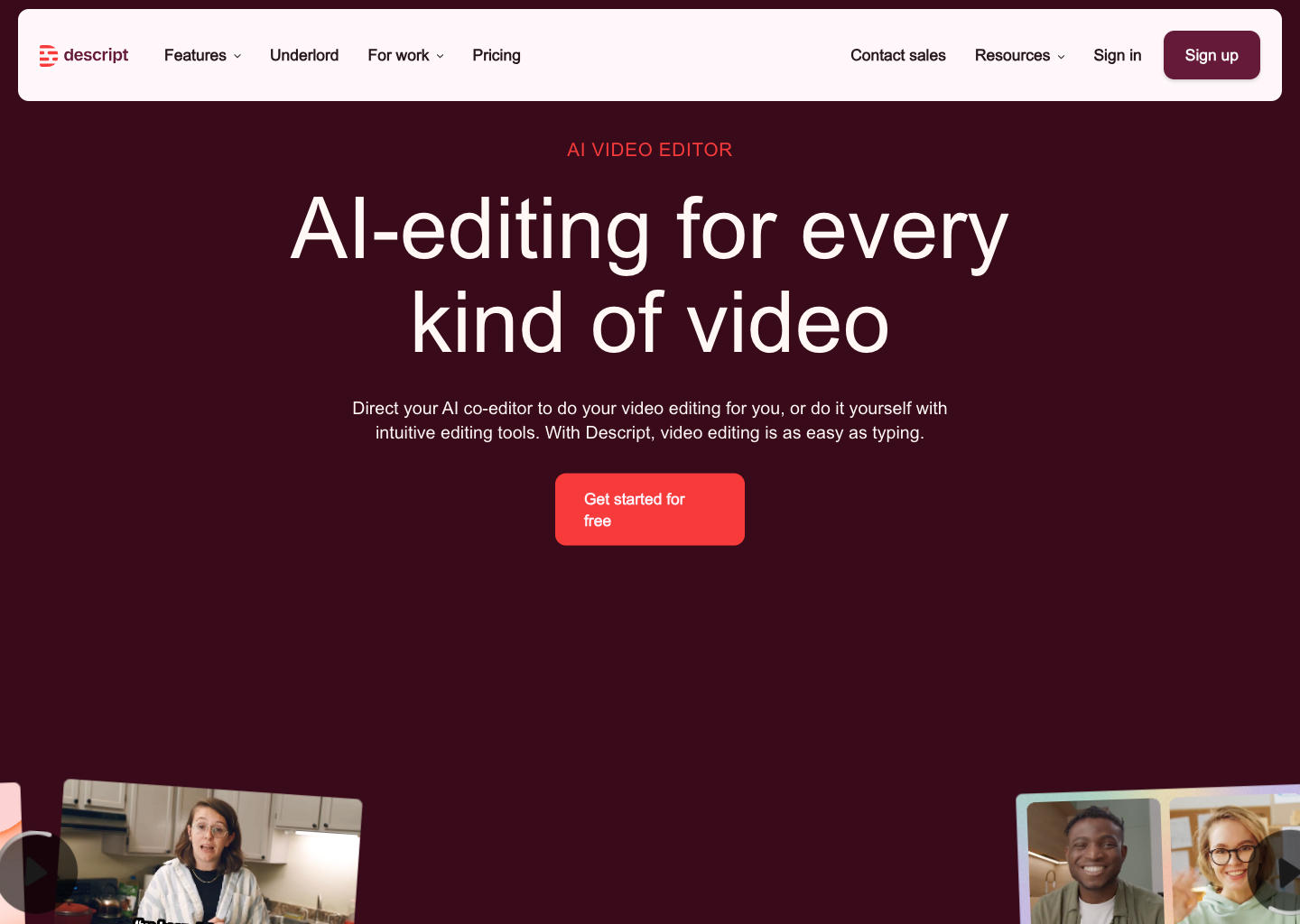
That makes it ideal for podcasters, YouTubers, trainers, and interview-heavy teams that need more than transcription alone. Descript does not just capture what was said. It helps turn what was said into a polished deliverable faster.
Try Descript View tool profile
2. Otter.ai
Otter.ai remains one of the easiest recommendations for teams that simply want reliable meeting transcription and searchable notes. It joins Zoom, Meet, and Teams calls automatically, transcribes in real time, and gives you summaries plus action items without much setup work.
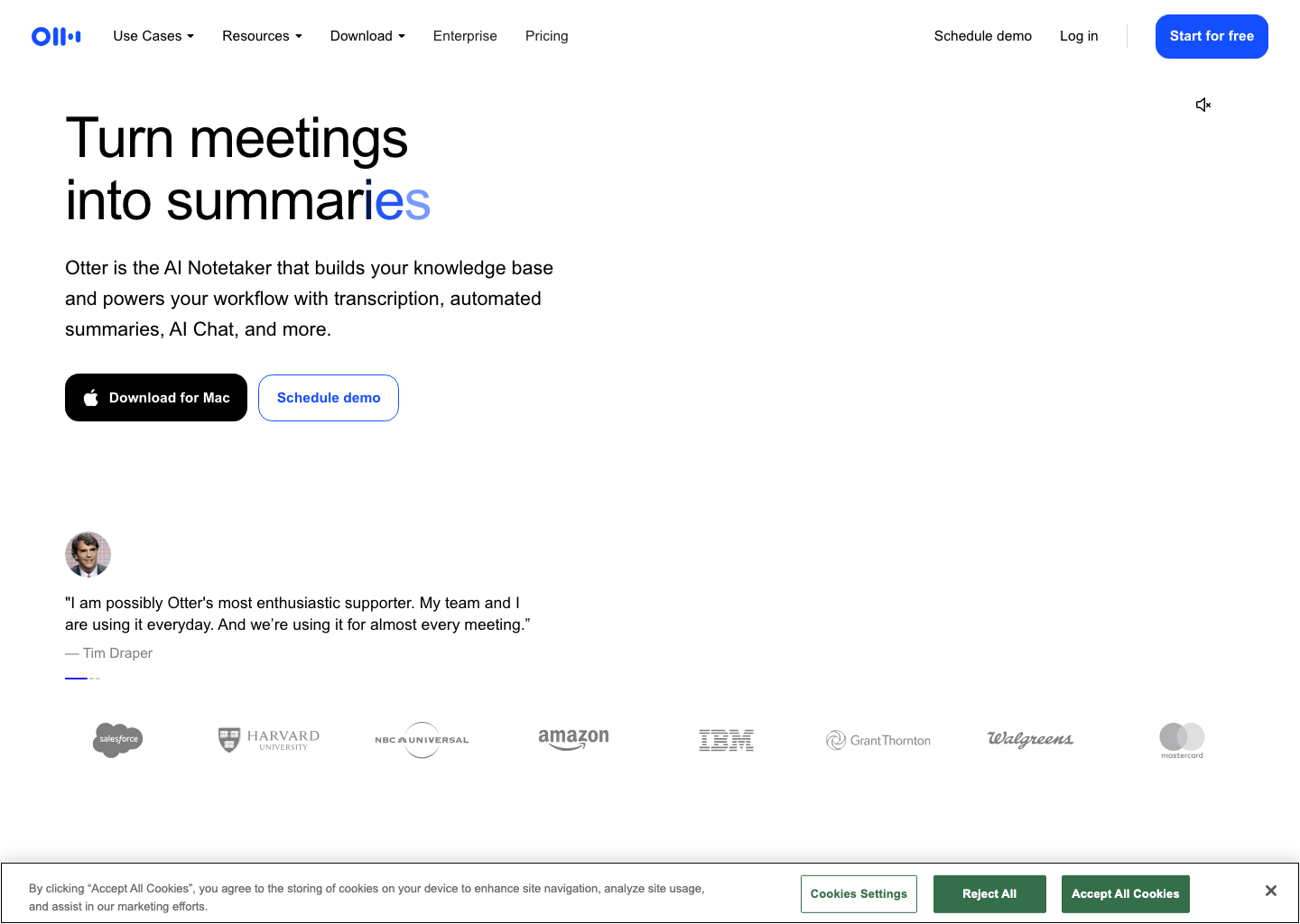
The productivity lift here is consistency. Nobody has to volunteer as the note-taker, and the transcript archive becomes a useful team memory instead of a pile of scattered follow-up docs.
Try Otter.ai View tool profile
3. Fireflies.ai
Fireflies.ai stands out when transcripts need to move into the rest of your business systems. It records and transcribes meetings, then syncs notes and follow-up context into CRMs, project tools, team chat, and knowledge systems.
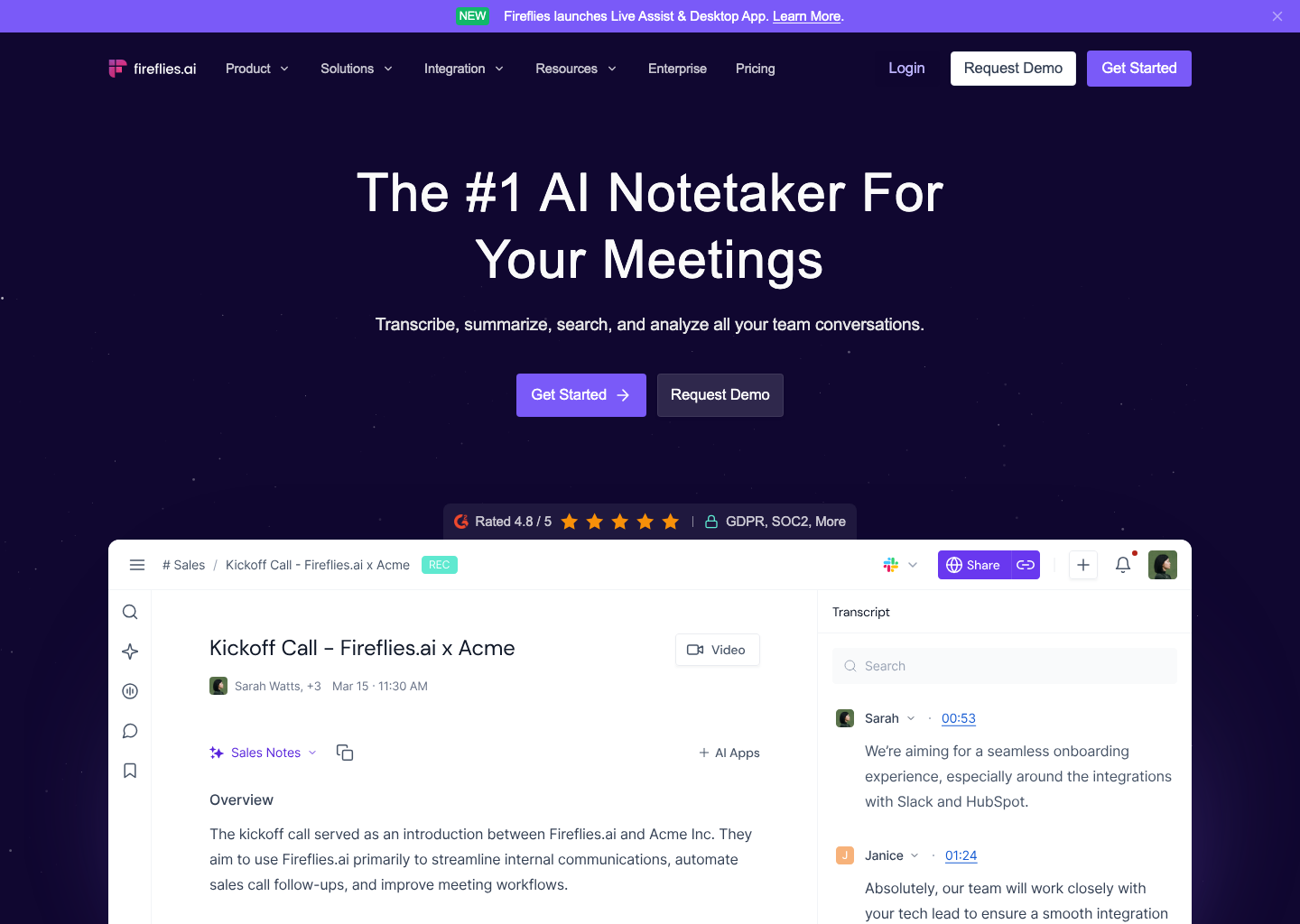
For sales, customer success, and operations teams, that makes Fireflies more than a note-taking app. It becomes part of how meeting information gets operationalized after the call ends.
Try Fireflies.ai View tool profile
4. Fathom
Fathom earns a spot because it removes a lot of the price anxiety from this category. The free plan is strong, the post-meeting summaries are fast, and the core workflow is simple enough that people actually keep using it.
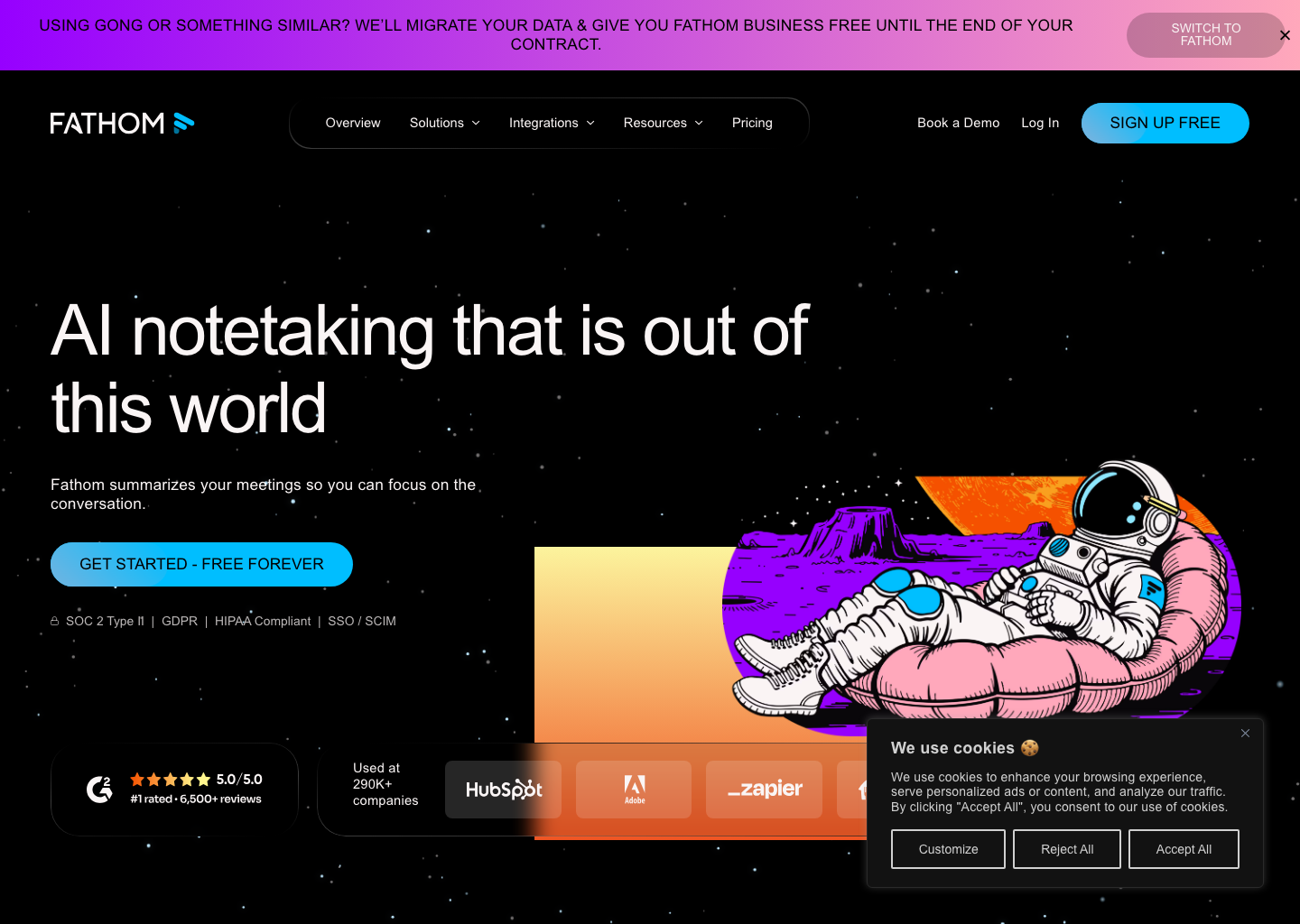
If you are a solo consultant, recruiter, founder, or small team that wants instant notes and action items without a heavy onboarding process, Fathom is one of the best low-friction starting points available.
5. tl;dv
tl;dv is especially good for teams that care about moments, not just full transcripts. It records Zoom and Meet calls, creates AI summaries, and makes it easy to share timestamped clips or highlights instead of forwarding an entire meeting replay.
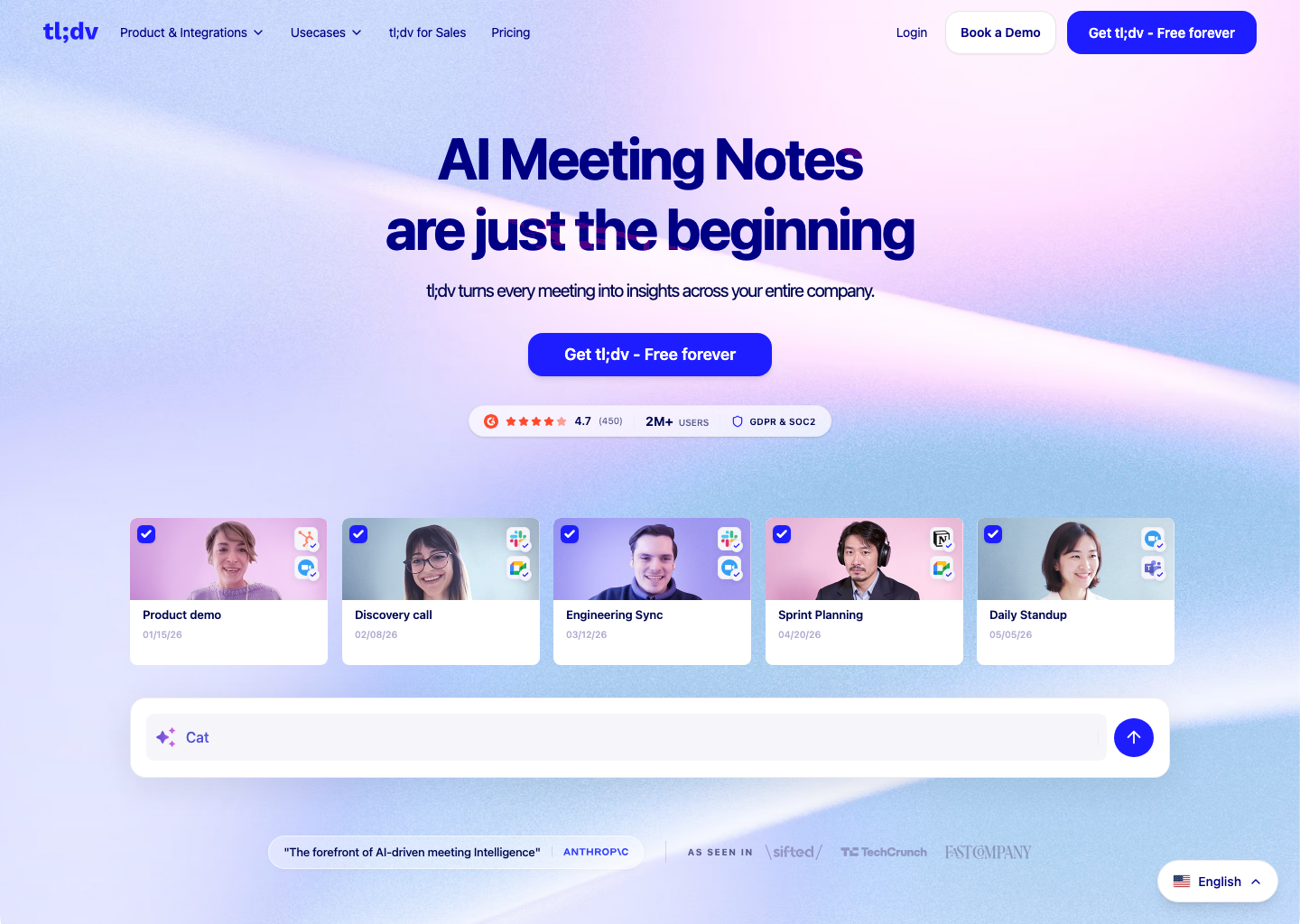
That is a real productivity benefit for product, research, and revenue teams. When someone needs one customer quote, one pricing objection, or one decision timestamp, tl;dv makes that handoff cleaner than most alternatives.
6. MeetGeek
MeetGeek is a strong fit for teams that want meeting capture to behave like an organized system. It auto-records calls, extracts action items, stores summaries in a searchable library, and helps teams build a durable record of internal and external conversations.
It is particularly useful when meeting knowledge needs to stay accessible across the whole team, not just inside one person’s inbox. That makes it a smart option for agencies, managers, and operations-heavy teams.
Try MeetGeek View tool profile
7. Notta
Notta is one of the best multilingual options in our database and a practical pick for users dealing with more than standard English-language meeting capture. It handles live transcription, uploaded files, auto-joined meetings, and browser audio workflows in a single product.
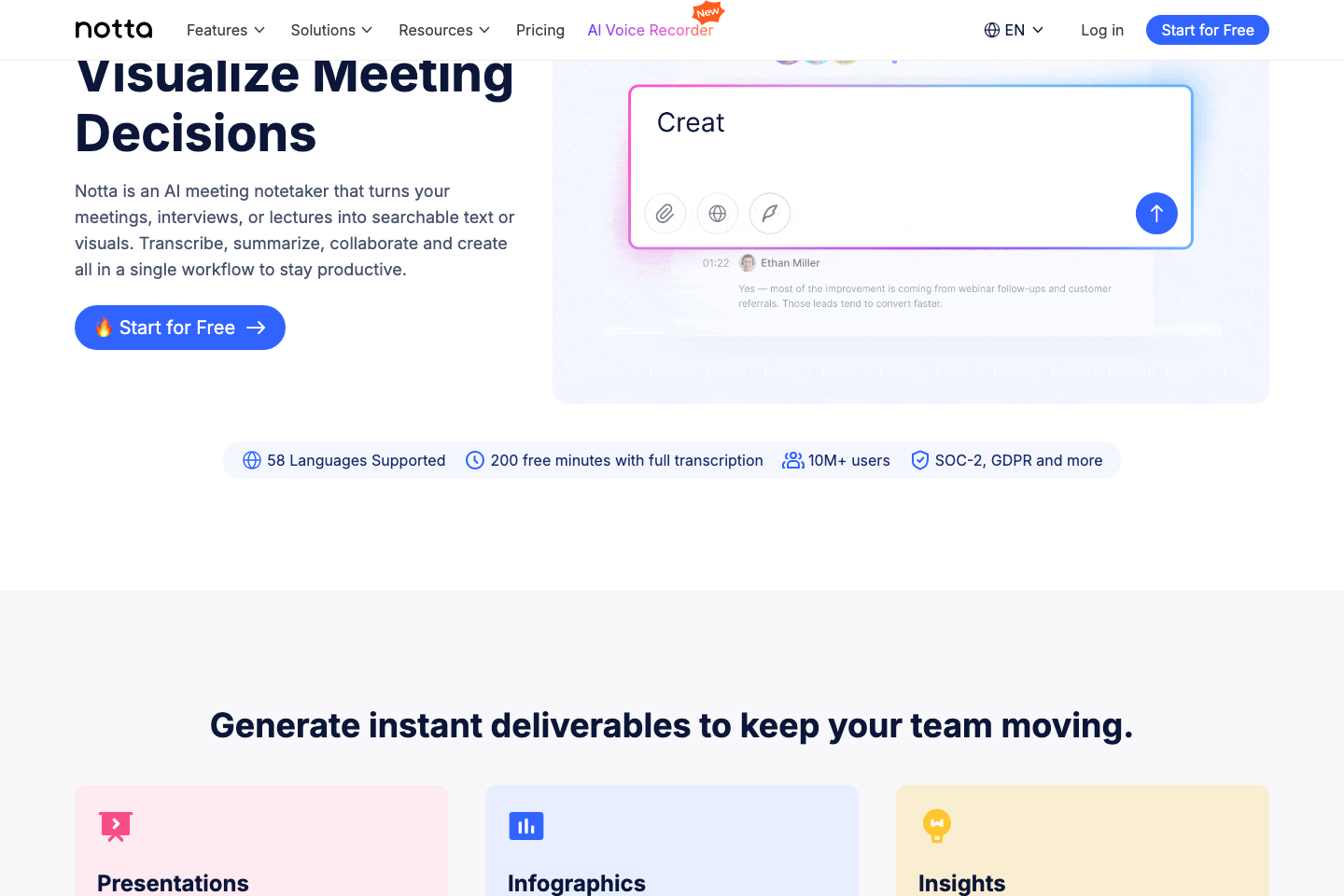
That flexibility makes it appealing for international teams, interviewers, researchers, and anyone who regularly works across different languages or input formats.
Final Verdict
If you want the simplest all-round productivity pick, start with Otter.ai or Fathom. If you need better workflow automation after meetings, look closely at Fireflies.ai and MeetGeek. If your transcript needs to become content, Descript remains the standout choice. And if language flexibility matters most, Notta deserves a close look first.
Across all seven apps, the pattern is the same: the transcript itself is no longer the product. The real value is what the tool helps you do next, faster and with less friction.
🛠 Tools Mentioned in This Article
Questions readers also ask
What is the best speech-to-text app for meetings?
For most teams, the best option is the app that reliably joins calls, creates clear summaries, and pushes notes or action items into the rest of the workflow with minimal manual work.
Which speech-to-text app is best for creators?
Creators usually get the most value from transcript-based editing tools that help turn spoken recordings into published audio or video faster.
Are free speech-to-text apps worth using?
Yes. Several freemium tools are strong enough for everyday note-taking and meeting transcription, with paid plans mainly adding limits, integrations, analytics, and team controls.